Docs · Build
Make documents, slide decks and spreadsheets by describing them
Documents, slide decks and spreadsheets are Creations, like sites and apps. You say what you need and who it’s for; Creai writes it, shows it beside the chat and changes any part you point at. Download it as a Word, PowerPoint or Excel file that opens anywhere, as a PDF, or share a read-only link.
- 01
Start a new document, deck or spreadsheet
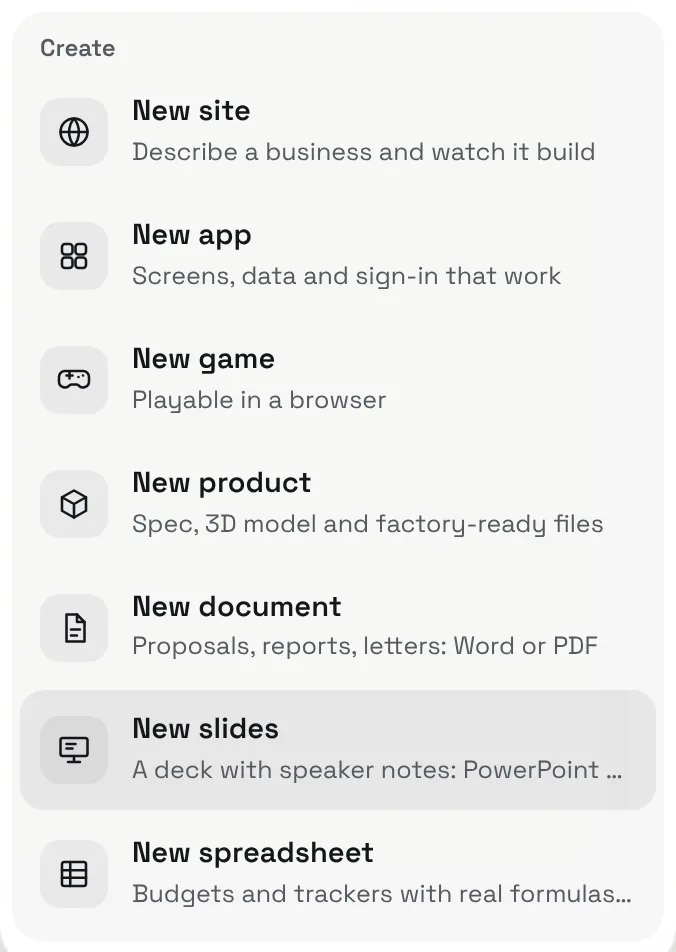
Press New above the chat and choose New document, New slides or New spreadsheet. You need a Creai account, which is free.
- 02
Say what it is and who it’s for
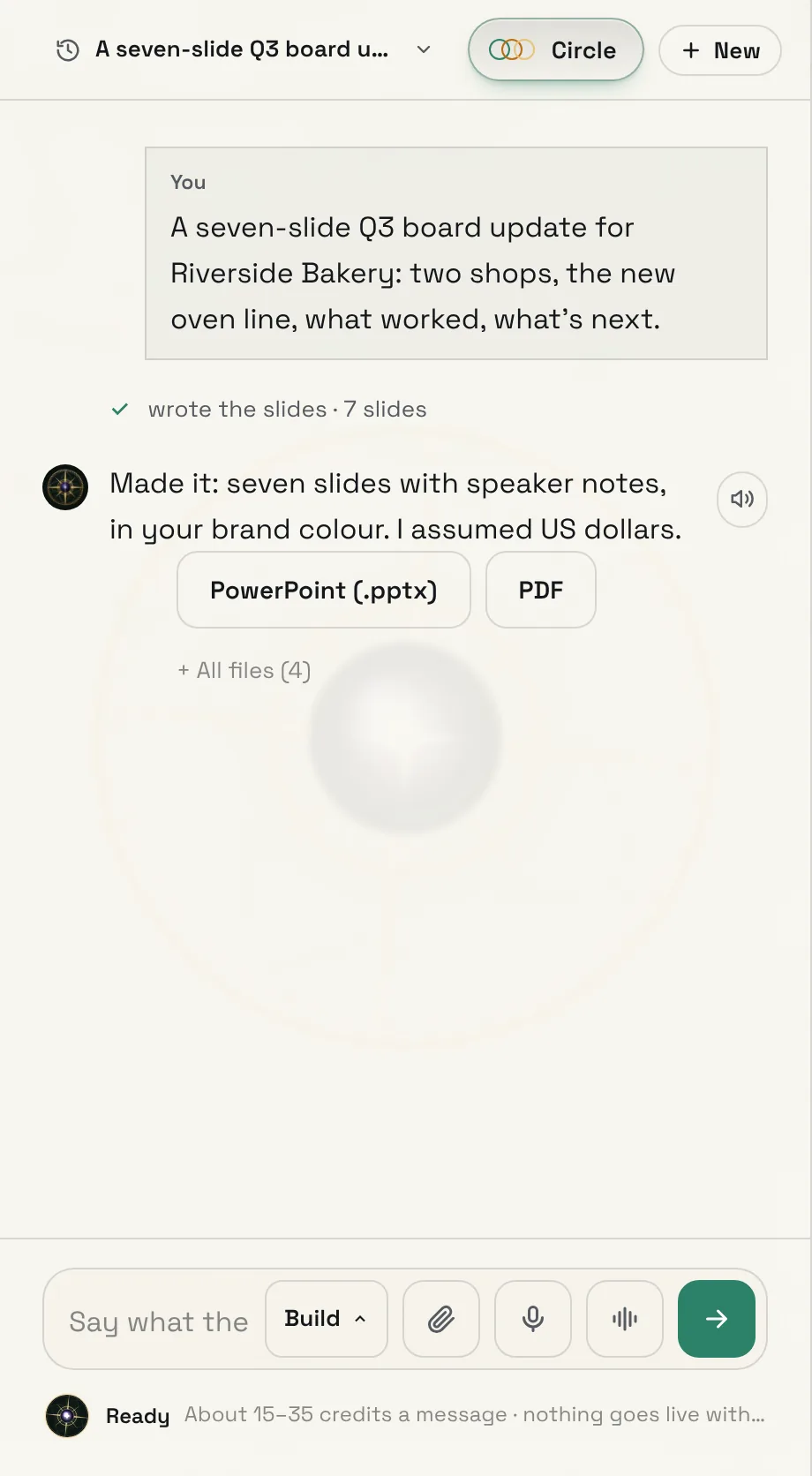
Describe it the way you would to a colleague: the subject, who will read it, and what it has to cover. Creai writes the whole thing in one go and tells you what it assumed, such as the paper size or the currency, so you can correct it.
- The colours follow your brand, and a deck carries your business name in its footer.
- Under each reply are the files it made, ready to download.
- 03
See it beside the chat
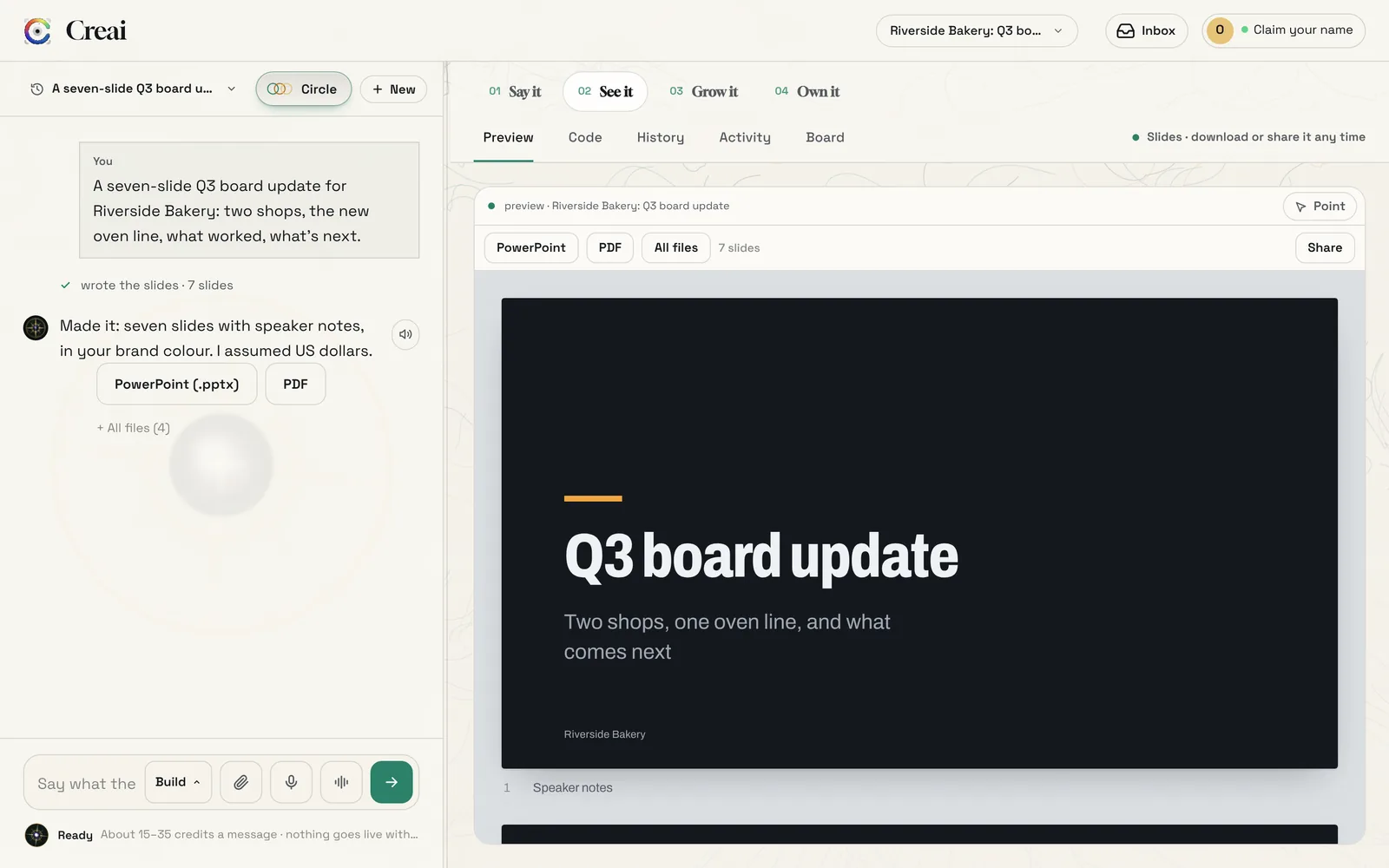
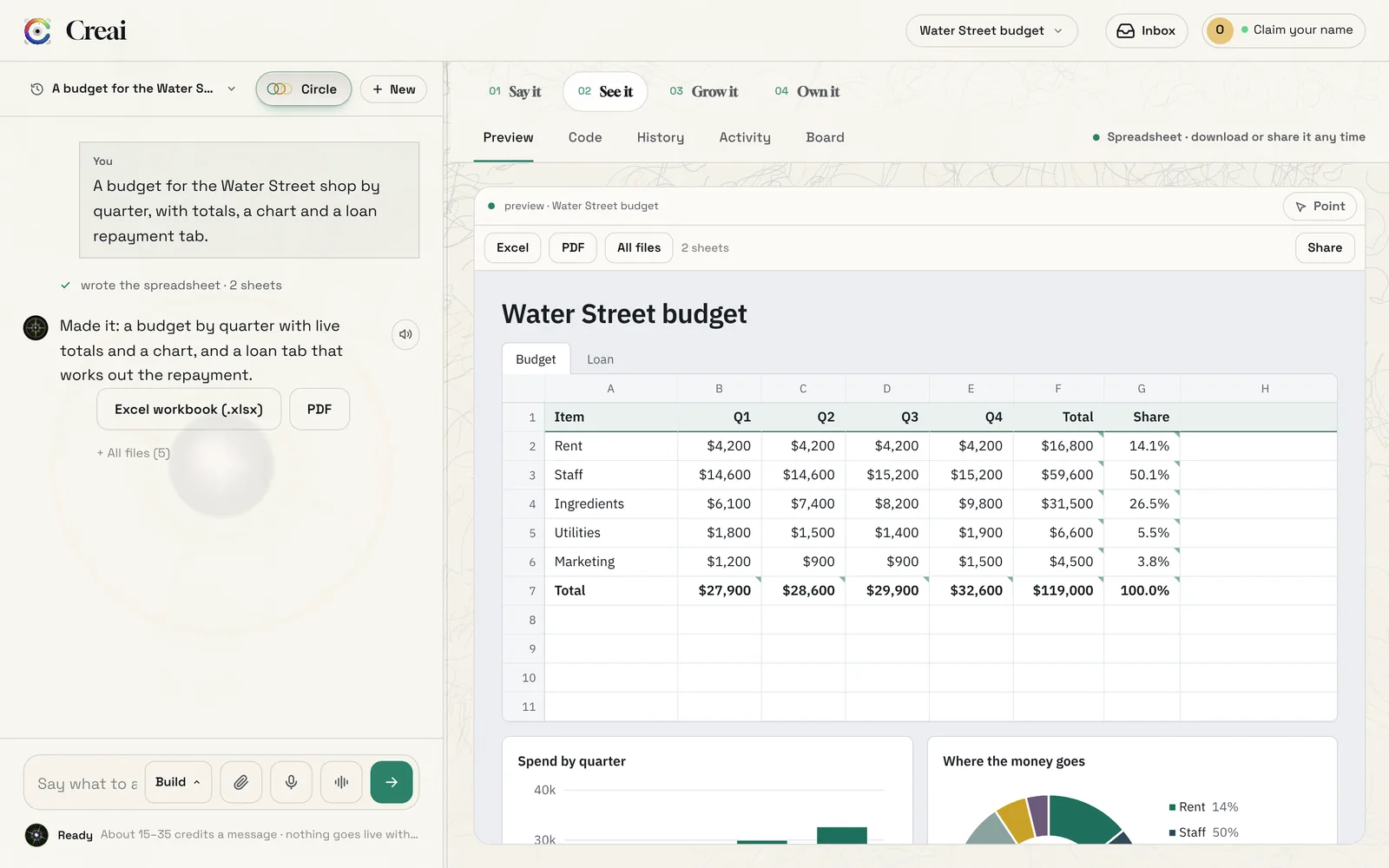
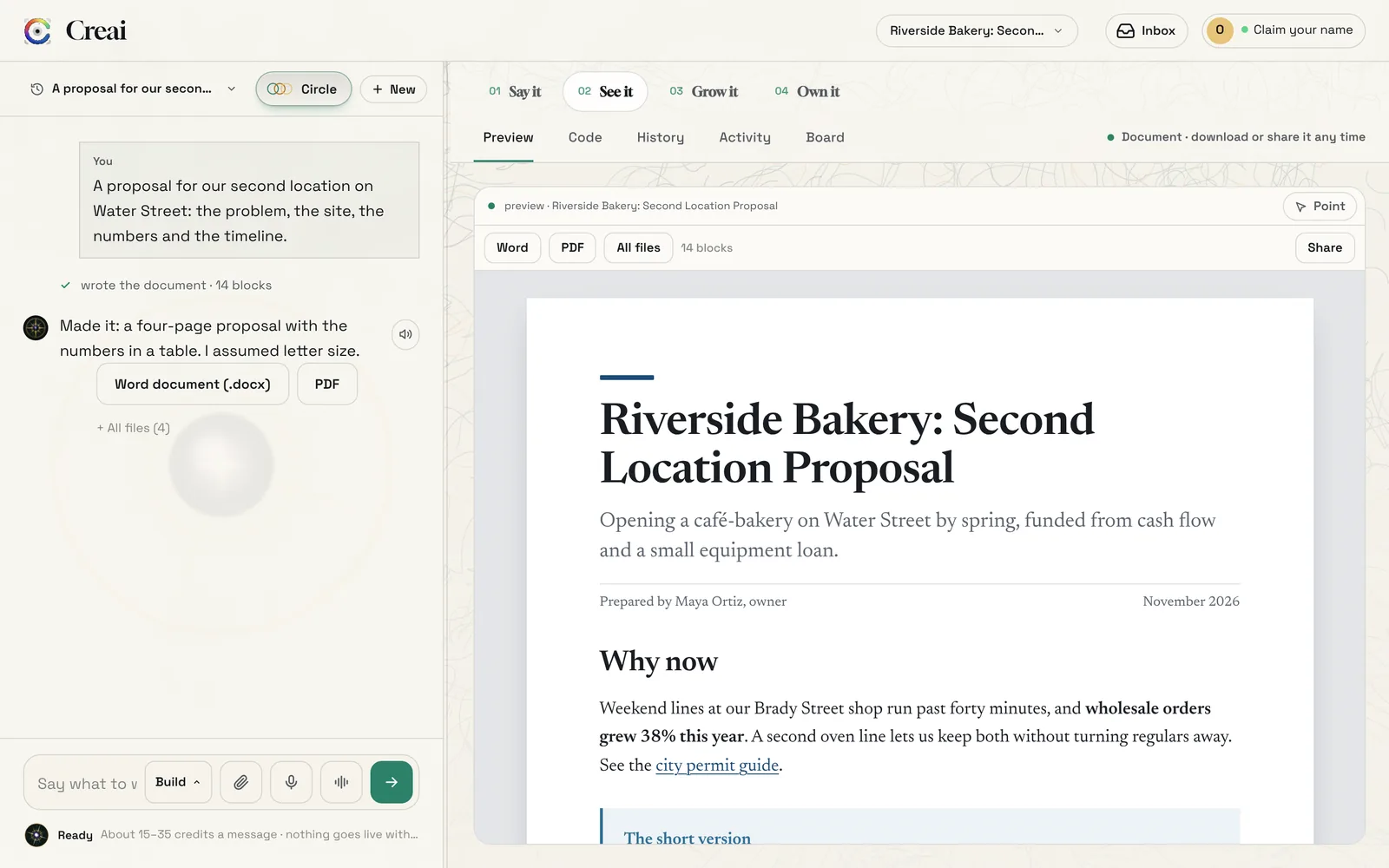
The preview shows it as it will look: a deck as 16:9 slides with your speaker notes under each one, a document as pages, and a spreadsheet as a grid with sheet tabs and charts. It updates after every change.
- 04
Point at a part to change it
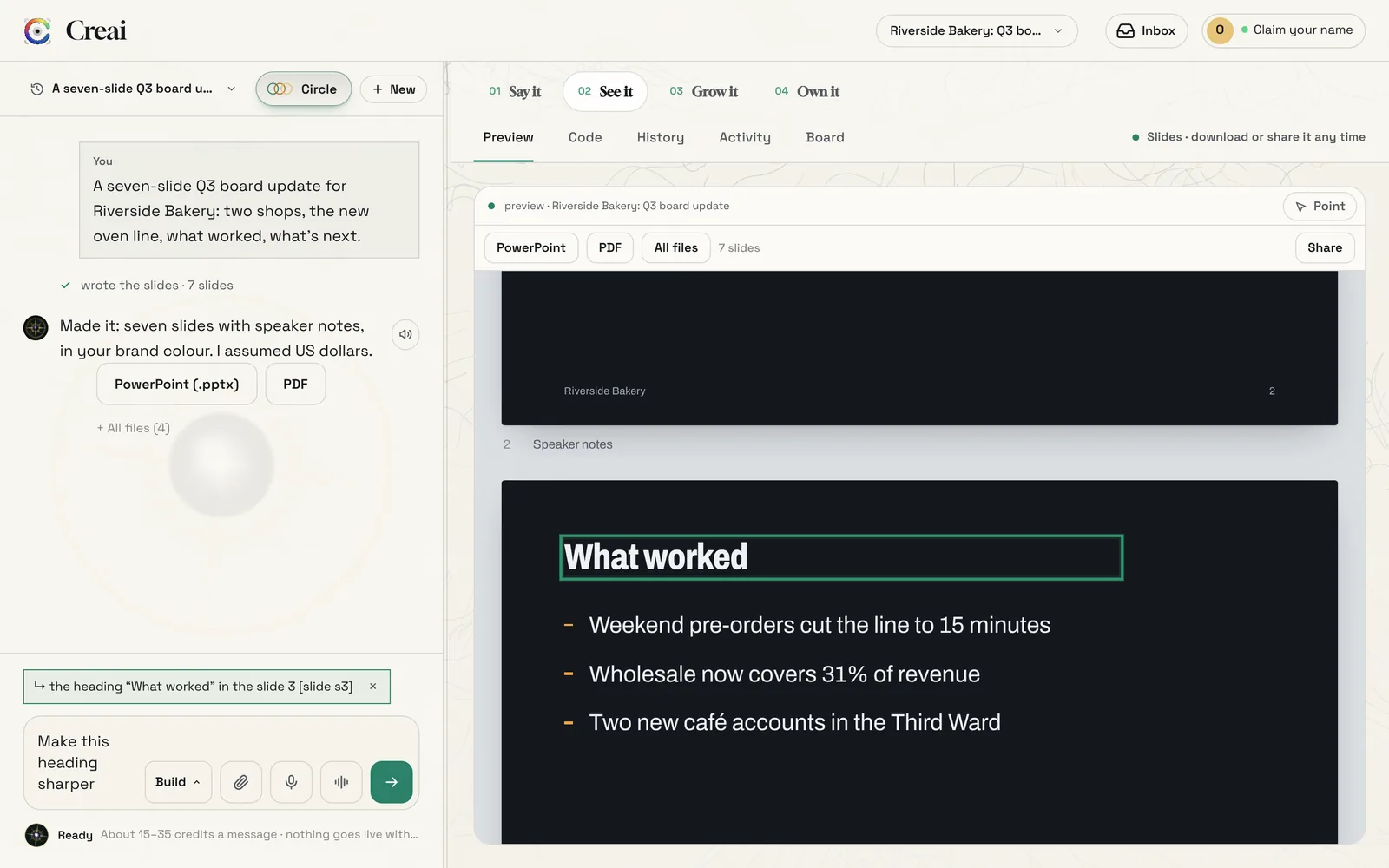
Press Point above the preview, then click the heading, paragraph, slide or cell you mean. It appears above the message box, so you only have to say what to change. Creai changes that part and leaves the rest alone.
- You can also just say it: “make slide 3 shorter” or “add a row for insurance”.
- 05
Download it
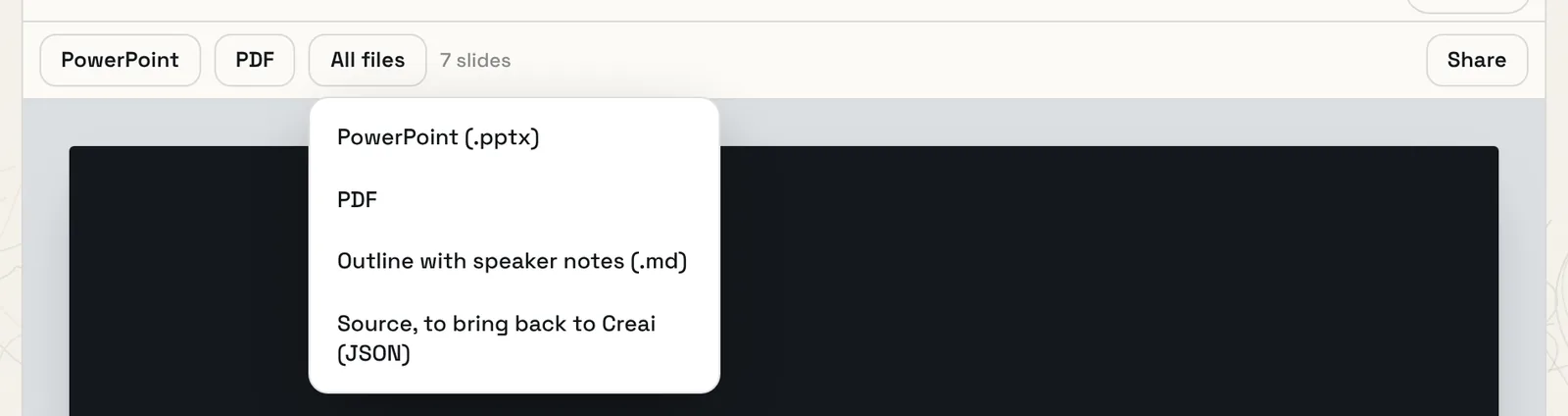
The bar above the preview has the main file and a PDF; All files lists the rest. The Office files open in Microsoft Office, Google Docs, Slides and Sheets, Apple Pages, Keynote and Numbers, and LibreOffice.
- Document: Word (.docx), PDF and Markdown.
- Slides: PowerPoint (.pptx) with speaker notes, PDF, and an outline with the notes.
- Spreadsheet: Excel (.xlsx) with the formulas kept and real charts, PDF, and a CSV for each sheet.
- Every kind also has its source file, to bring back to Creai.
- 06
Spreadsheets work out their own numbers
Totals, shares, lookups and loan repayments are real formulas, worked out in the preview and kept in the Excel file, so changing an input updates everything that depends on it. If a formula breaks, Creai sees the error and fixes it before it replies.
- 07
Documents read like documents
A document is laid out as pages, with headings, lists, tables, quotes, links and pictures, in one of four styles: editorial, modern, classic or technical. Decks come in four styles too: studio, keynote, bold and classic. Say which you want, or let Creai choose.
- 08
Share a read-only link
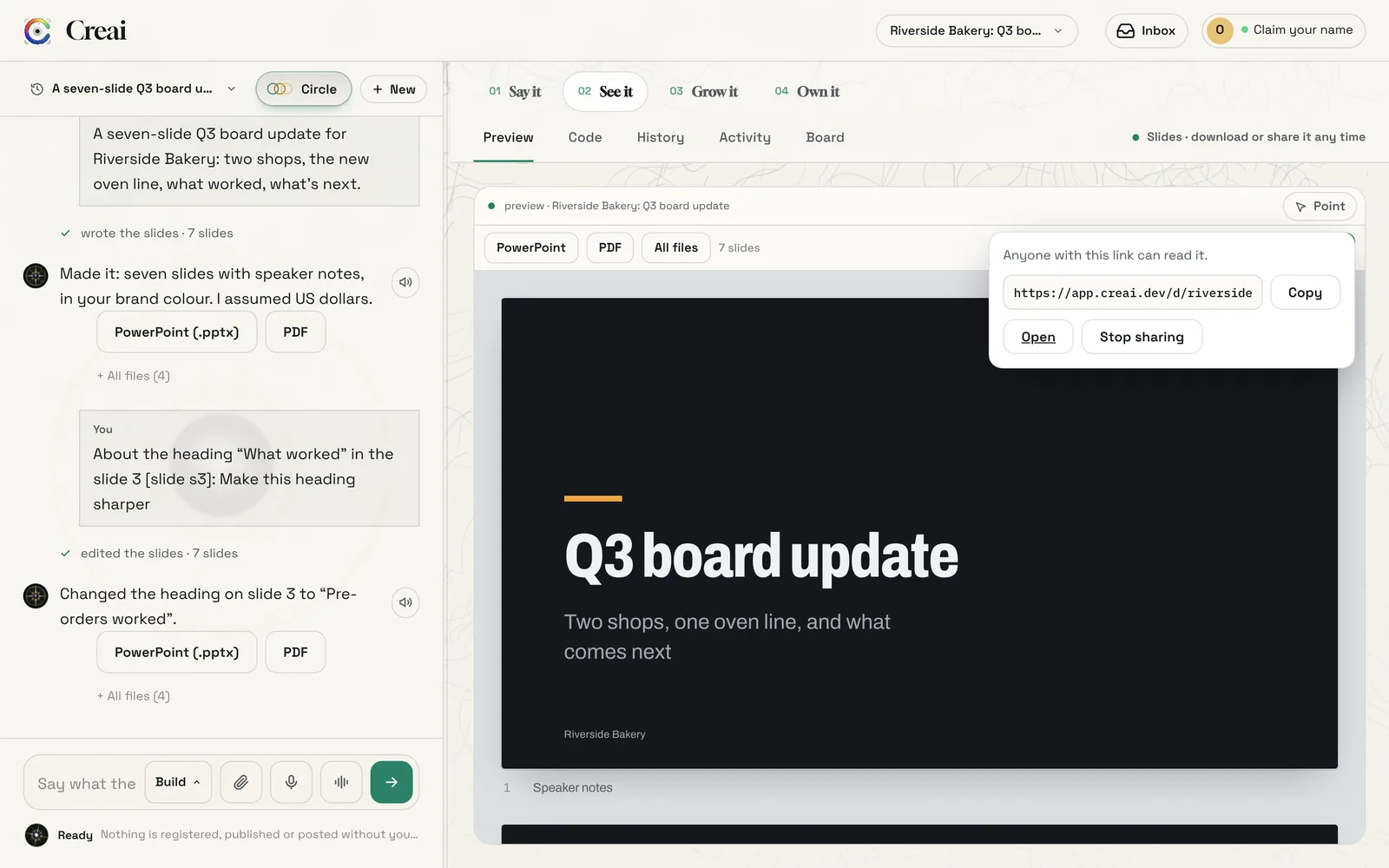
Press Share, then share the link. Anyone with it can read the document, deck or spreadsheet and download a PDF, but can’t change it. The link shows the version you shared; press Update the link when you want it to show your latest changes, or Stop sharing to turn it off.
- Speaker notes and the editable files are never on the shared page.
- 09
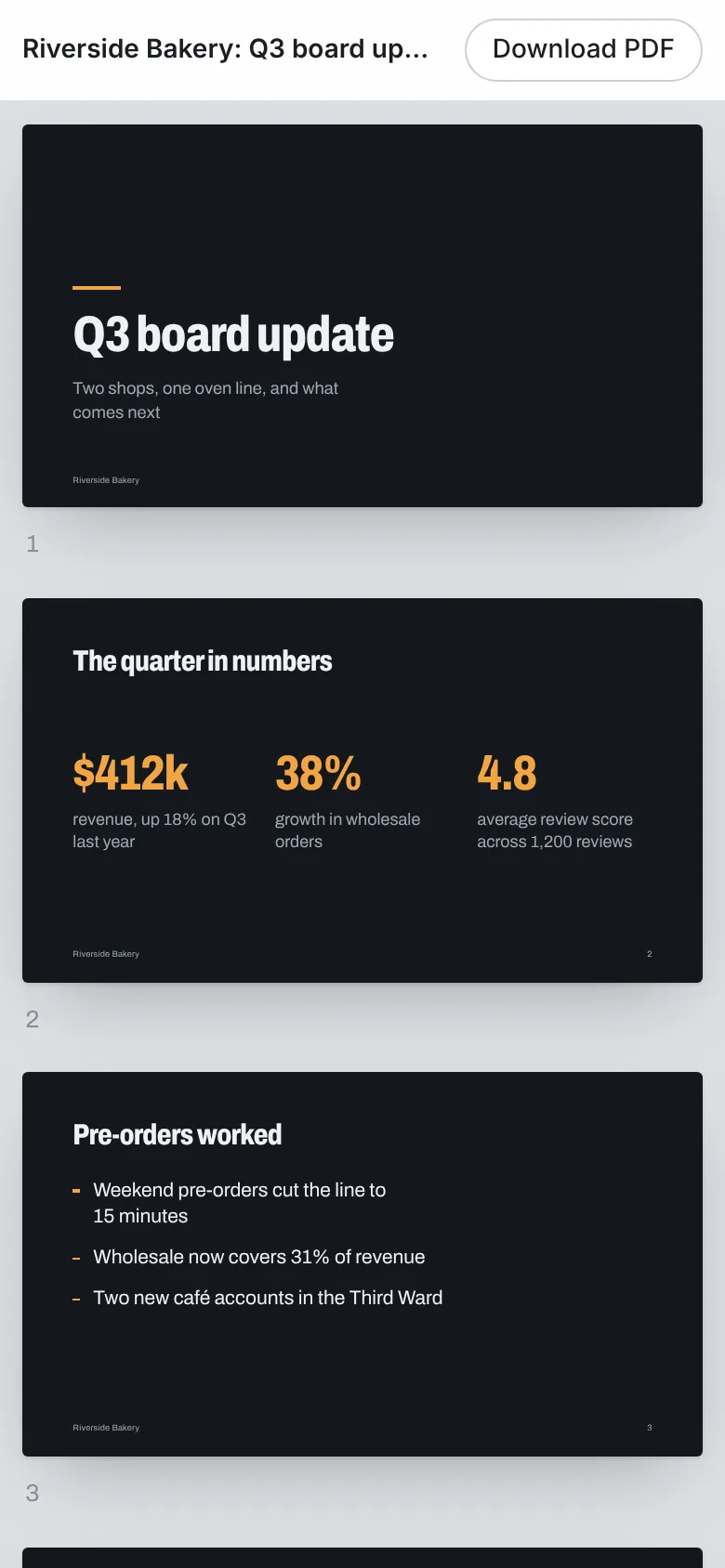
What people see when they open it
The shared page works on any phone or computer, with a Download PDF button at the top. No account is needed to read it.
- 10
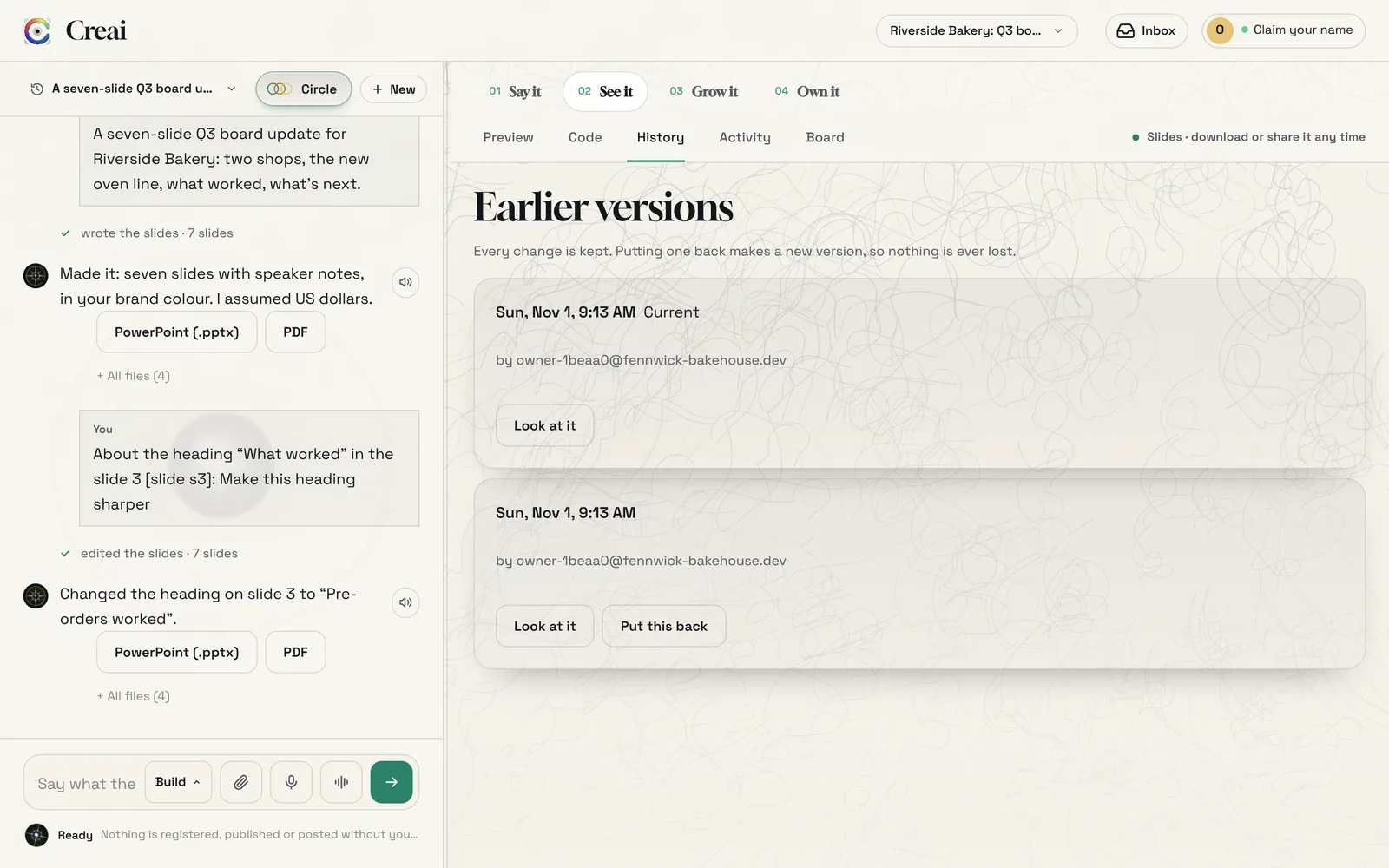
Go back to any earlier version
Every change is kept. Open History above the preview to look at an earlier version, and press Put this back to restore it. Putting one back makes a new version, so nothing is lost.
Good to know
- If you ask for a pitch deck in a website’s chat, Creai offers a button that starts a new deck from what you said, rather than building a web page about it.
- Documents, slides and spreadsheets work on the free engine too, with stock photos instead of generated pictures.
- Projects → Export includes the Office files, the plain versions and the source.
What it doesn’t do yet
- You change things through the chat or Point; you can’t type directly into the preview.
- Spreadsheets understand 104 common functions (sums, averages, counts, IF, lookups, rounding, text, dates and loan maths). Array formulas, named ranges, INDIRECT, OFFSET and conditional formatting aren’t supported yet.
- A spreadsheet can have up to 10 sheets, columns A to AZ, 1,000 rows and 3 charts per sheet.
- Documents have one level of nested list and no footnotes, tracked changes or tables of contents. The preview breaks pages only where the document has a page break, not exactly where Word would.
- There’s no direct push to Google Slides or Google Docs yet; the downloaded files open in them.
Questions
Will the files open in Google Docs, Slides and Sheets?
Yes. The Word, PowerPoint and Excel files open in Google’s apps, Apple’s apps, Microsoft Office and LibreOffice.
Do the spreadsheet formulas still work in Excel?
Yes. The formulas are kept as formulas, so Excel recalculates when you change an input, and the charts are real Excel charts.
Can people edit what I share?
No. A shared link is read-only, with a PDF download. Speaker notes and the editable files stay private.
What does it cost?
It costs the same as any other message, and each message shows its likely cost before you send it. It also works on the free engine.
Related guides
Updated 2026-11-01.