Docs · Grow
Market your business with drafts you approve
Grow it is the marketing side of Creai. Share your website and Creai learns how you talk, saves a brand kit, and drafts social posts with pictures and times for the next couple of weeks. Every draft waits in Review until you approve it. Nothing is posted, published or spent without your yes.
- 01
Share your website
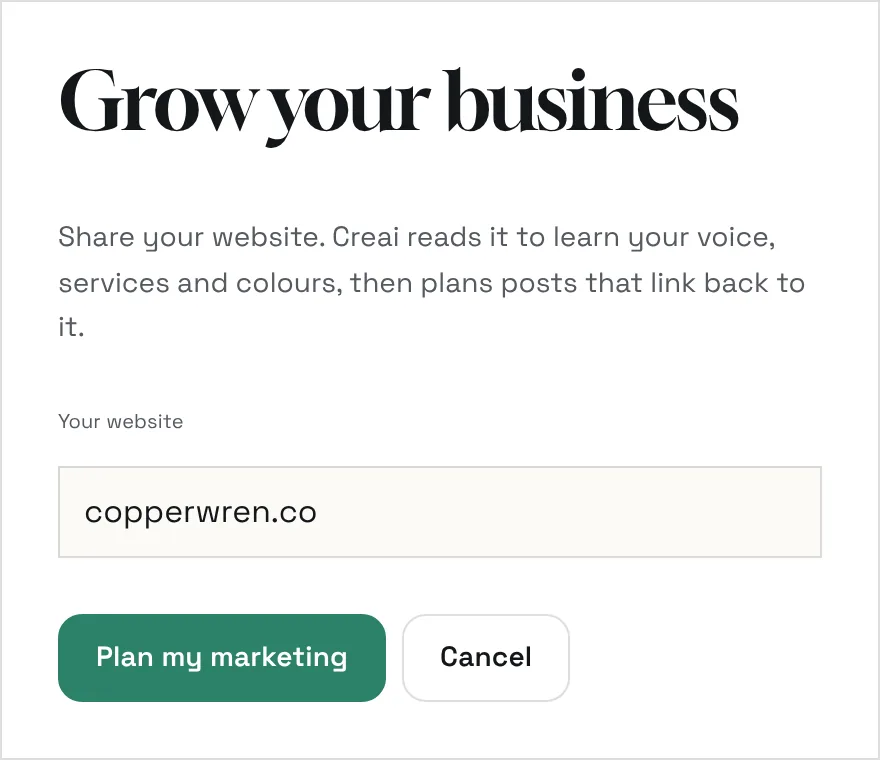
Choose Grow my business on the start screen, or New, then Grow my business. Type your website address and press Plan my marketing. Creai opens a marketing project for that site and sends its first request for you: read the site and plan your next two weeks of posts.
- Built your site in Creai? Open it, go to Grow it, then Review, and press Turn on marketing. Turning it on doesn’t start anything by itself.
- Already on WordPress or Webflow? Connect your site instead, and Creai works on it where it is.
- 02
Let Creai learn your brand and draft posts
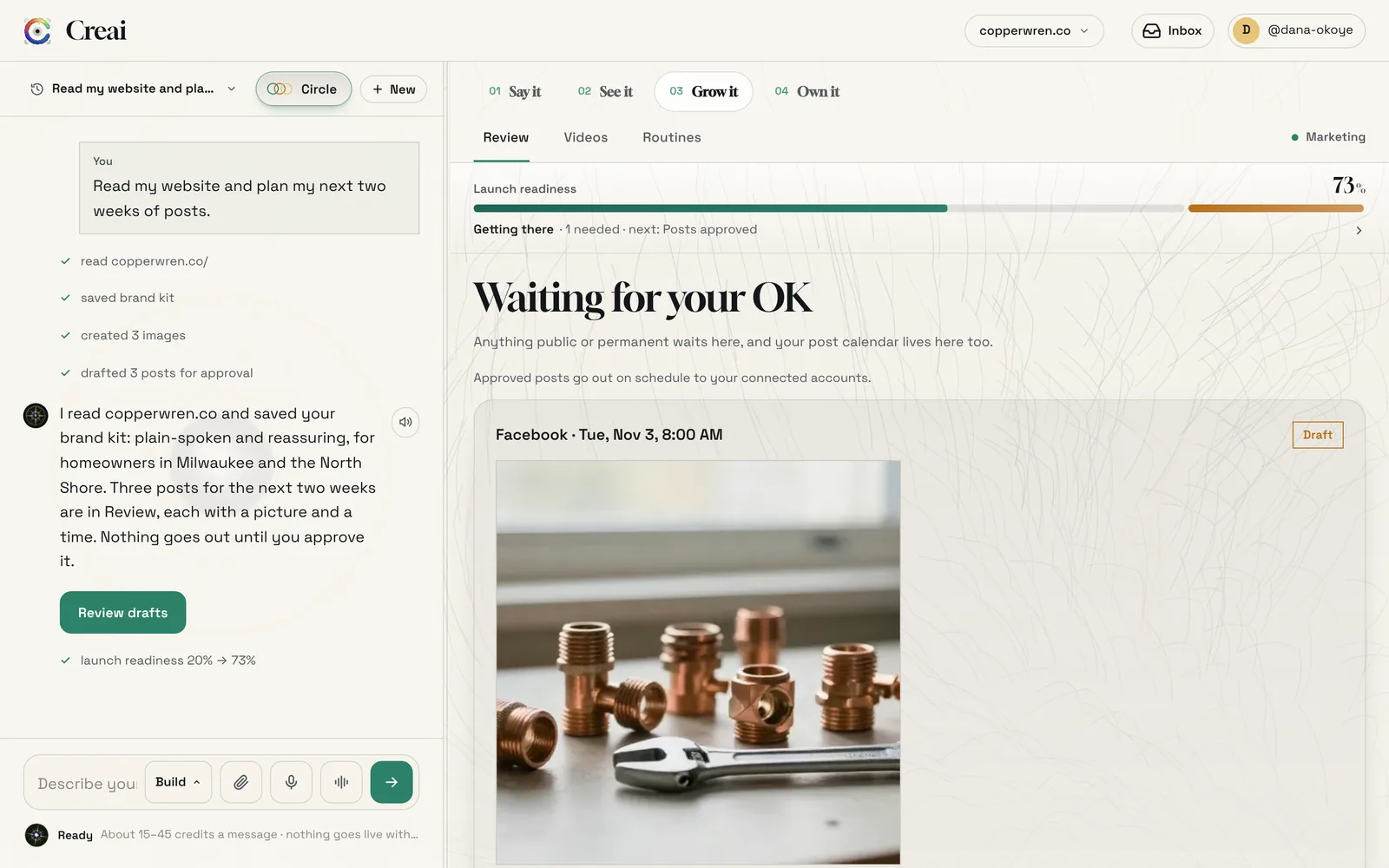
Creai reads your site and saves a brand kit: your name, how you sound, who you serve, your services and your colours. Then it drafts posts that link back to the right page on your site, each with a time and, where it helps, a picture it made. You see each step in the chat as it happens.
- Drafts can be for Instagram, Facebook, Google Business, LinkedIn, X, Threads, TikTok, YouTube and Pinterest
- Ask for more in your own words, such as “a week of posts for the cold snap” or “ideas for slow days”
- 03
Review each draft
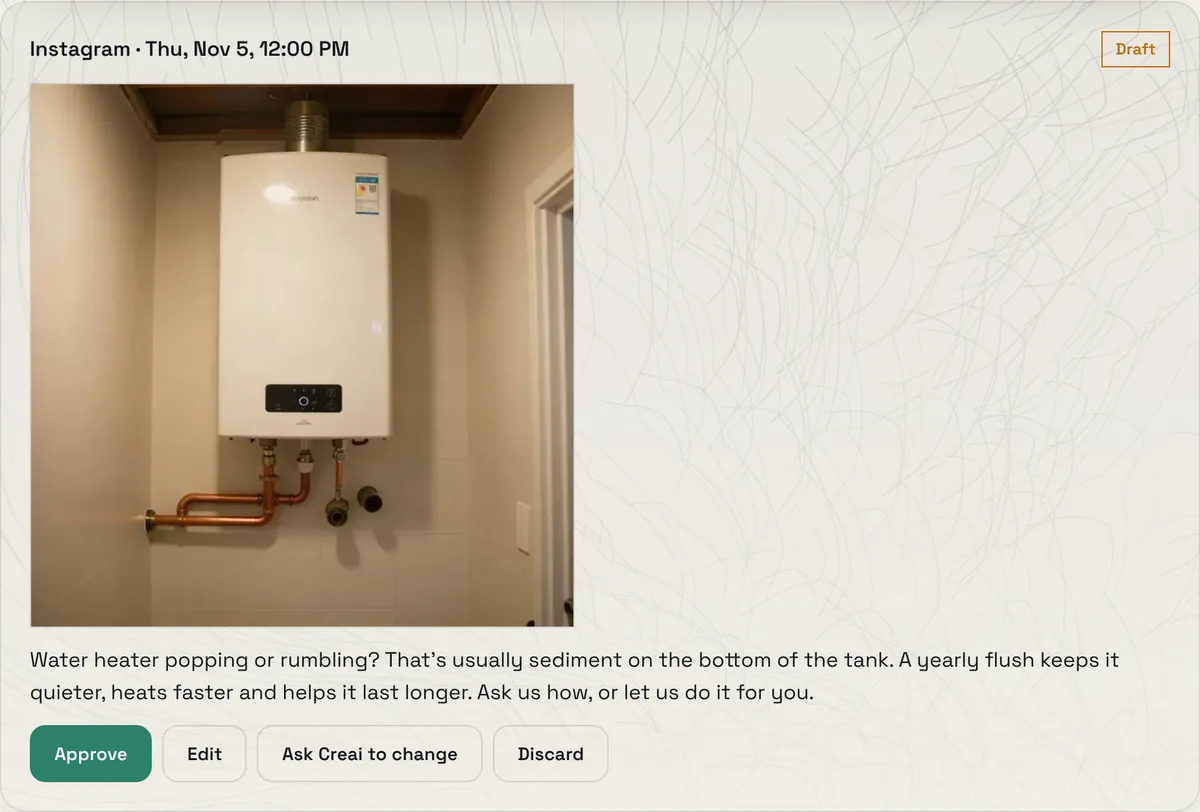
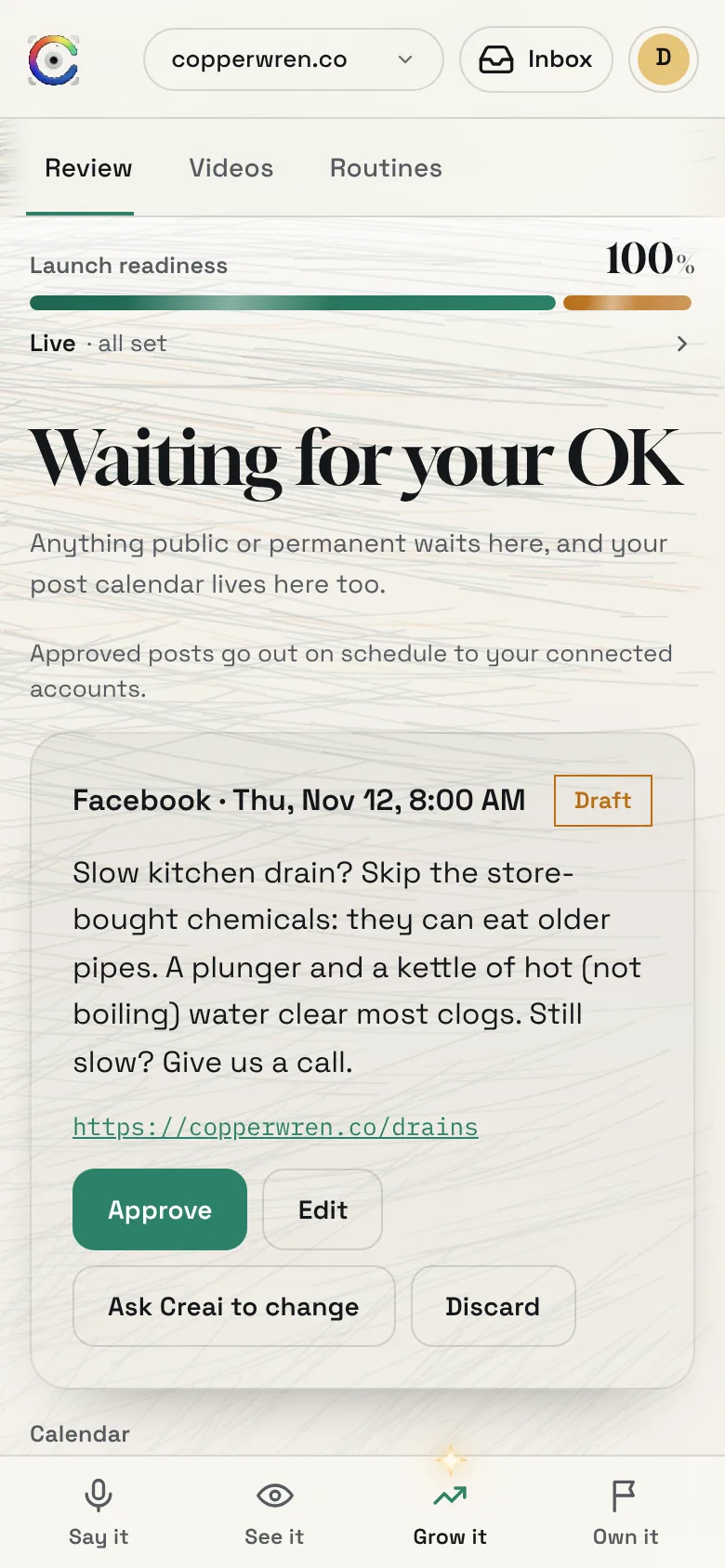
Open Grow it, then Review. The page is called Waiting for your OK, and it holds everything public or permanent that Creai has prepared. Each draft shows the network, the day and time, the picture, the text and the link. Approve it, edit it, ask Creai to change it, or discard it.
- 04
Edit a post, or ask Creai to change it
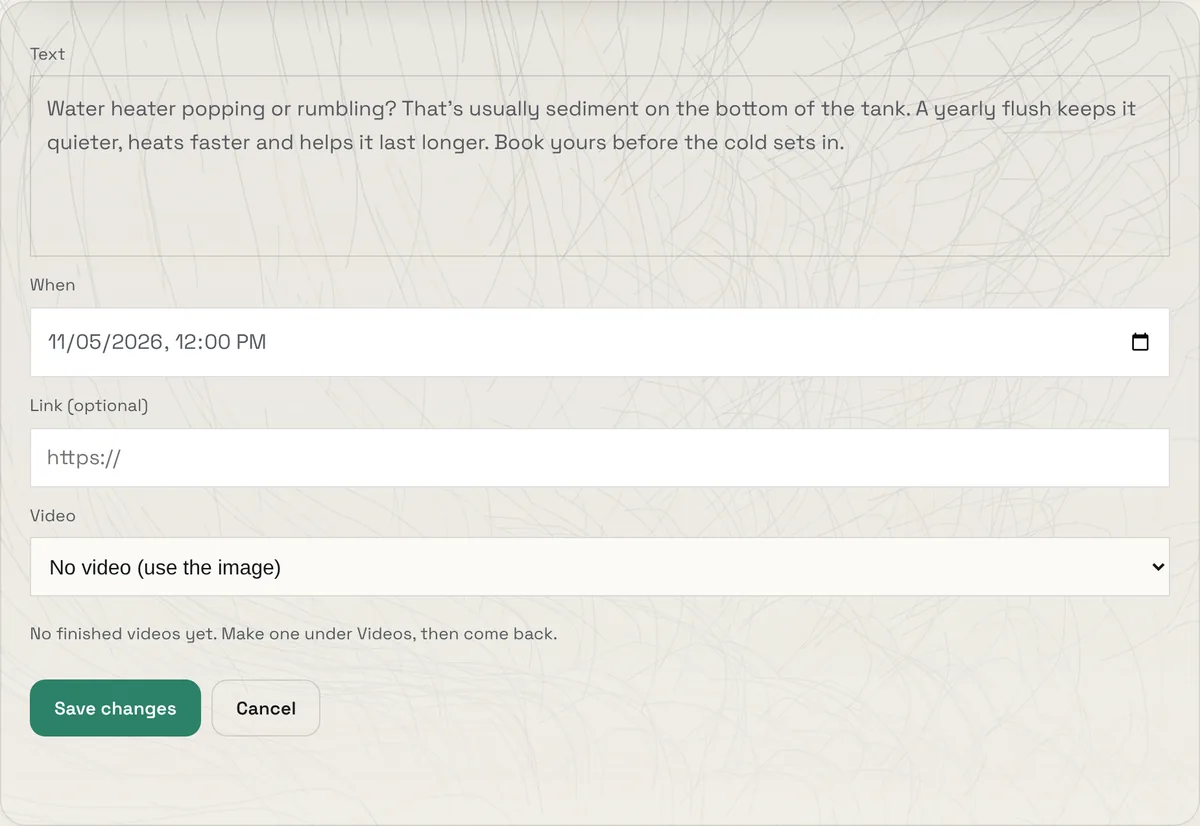
Press Edit to change the text, the time or the link yourself. Posts for TikTok, YouTube and Instagram can carry one of your finished videos, and Pinterest posts need a board. Or press Ask Creai to change and say what you want in the chat. An edited post goes back to waiting, so you approve the final version.
- 05
Approve, then follow it on the calendar
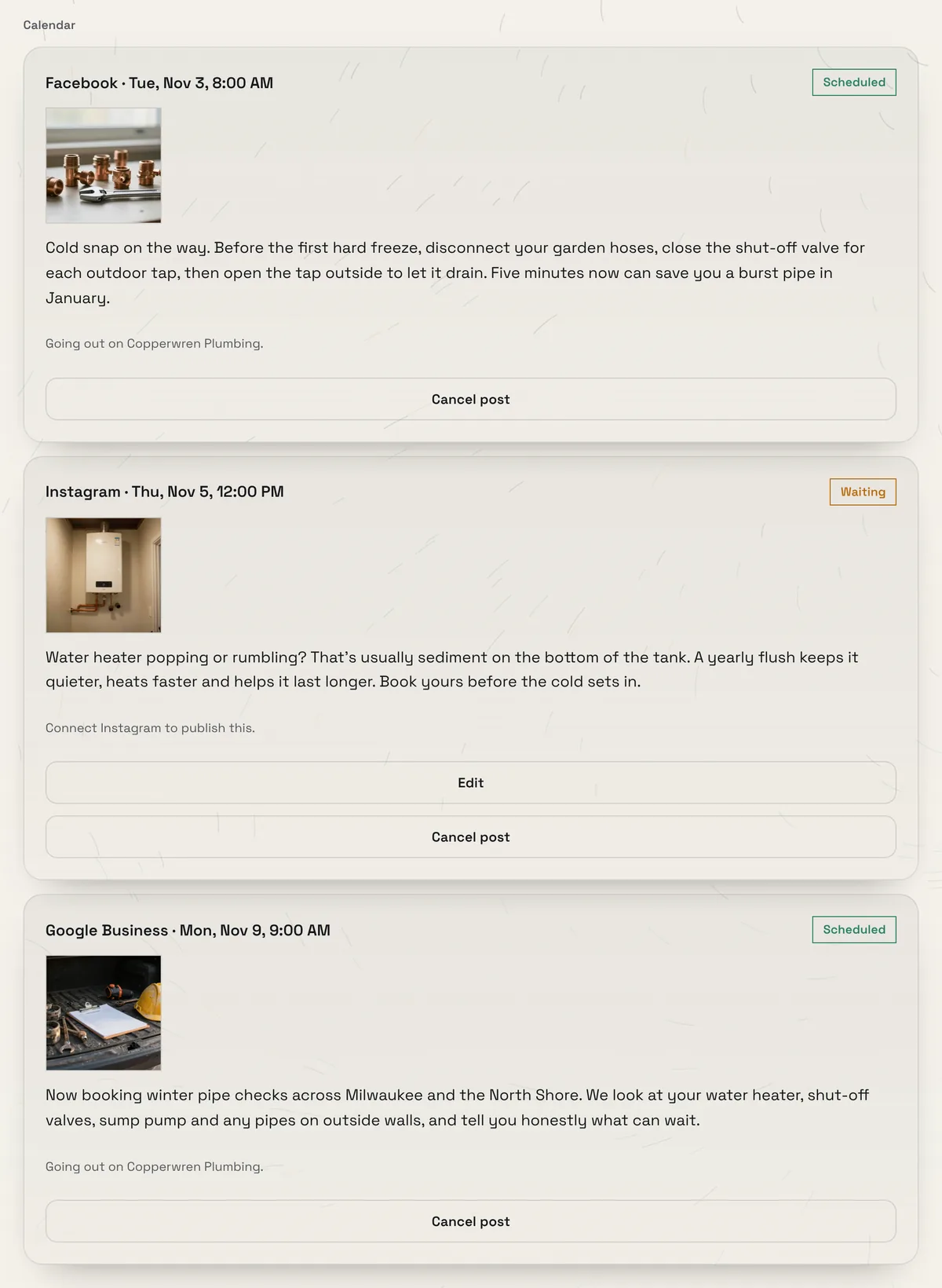
Approved posts move to the Calendar under Review. On the Growth plan they go out on schedule to your connected accounts. If a post can’t go out yet, it says why in plain words and waits: an account that isn’t connected, a network that needs a picture or a video, or a plan without scheduled posting. You can cancel any post until it has gone out.
- Without the Growth plan, an approved post waits with a note, so you can copy the text and post it yourself
- To connect your social accounts, email contact@creai.dev and the Creai team sets them up with you
- 06
Keep it going with a routine
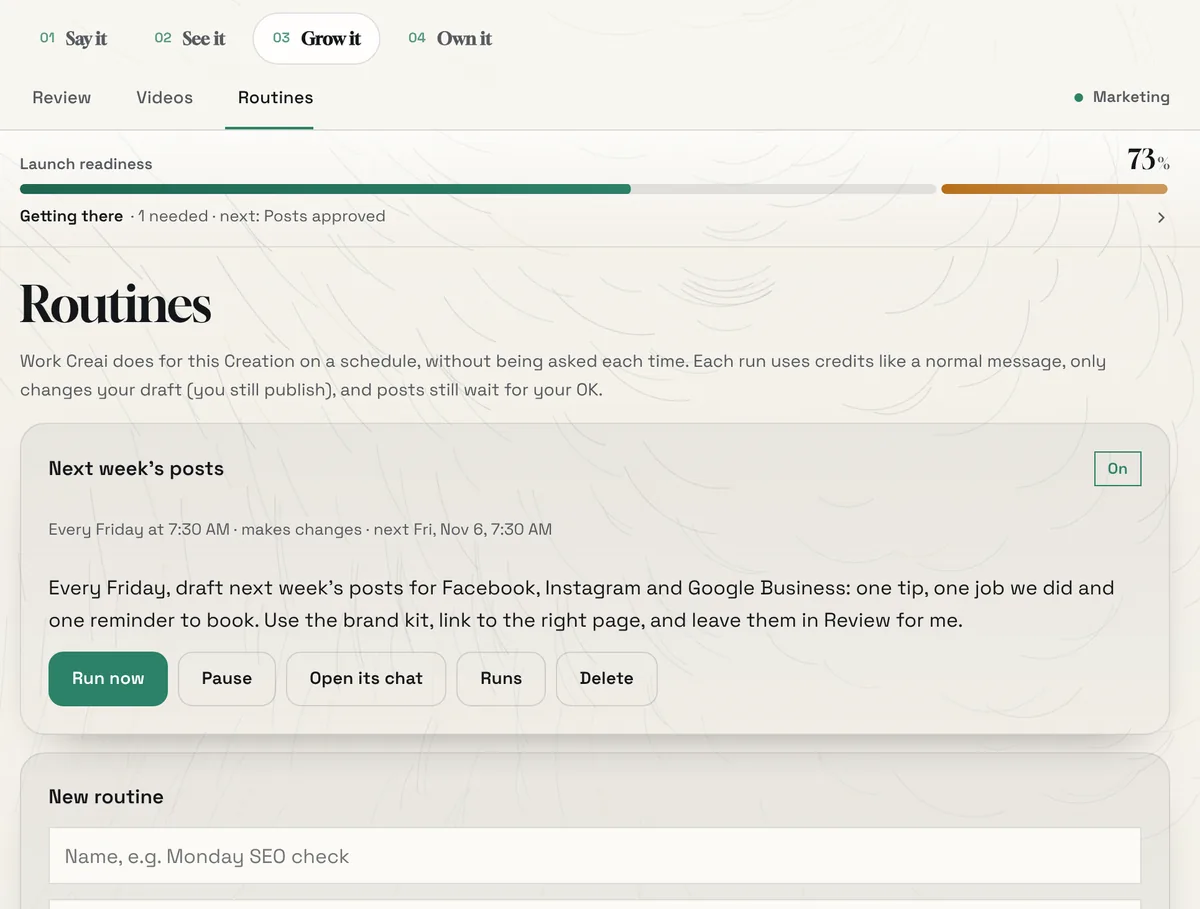
A routine is work Creai does on a schedule without being asked each time, such as drafting next week’s posts every Friday morning. Set one up under Grow it, then Routines, or just ask for it in the chat. Each run uses credits like a normal message, only changes your draft, and any posts it writes still wait for your OK.
- Pause, run now, open its chat or see past runs from its card
- Choose whether each run makes changes or just reports back, and get an email after each run if you like
- Three failed runs in a row pause a routine and tell you, rather than spending credits on a job that keeps going wrong
- 07
Approve from your phone
Review works the same on a phone. Tap Grow it in the bar at the bottom, and approve, edit or discard each draft wherever you are.
Good to know
- Creai does the drafting: posts, pictures, times, links back to your site, search-title and description fixes, and Google Search ad plans. You do the deciding: what goes out, when, and what you spend.
- With marketing on, ask for an SEO check and Creai measures your page with Google PageSpeed Insights and finds the phrases people type into Google around your services and town, then drafts fixes for your titles, descriptions and headings.
- Ask for a Google Search campaign the same way and Creai builds the ad groups, keywords and ads, checks them against Google’s limits and gives you a Google Ads Editor file. It imports paused, so nothing spends until you switch it on in your own Google Ads account.
- Changes Creai drafts for a connected WordPress or Webflow site wait in the same Review list. Nothing happens on your site until you approve.
- Routines that write posts or look after your site run on a faster, cheaper model, so your credits go further.
What it doesn’t do yet
- Connecting your social accounts isn’t self-serve yet. Email contact@creai.dev and the team sets it up with you.
- Creai doesn’t run paid ad campaigns. It plans them and hands you a paused file to import.
- Keyword ideas come from what people actually type into Google, without search volumes.
Questions
Will Creai post without asking me?
No. Every post waits in Review until someone who can approve says yes, and you can cancel an approved post until it has gone out.
Who can approve posts?
Workspace owners, admins and members. Viewers can look but not approve, and people invited to a single Creation’s Circle can’t approve anything.
Do I need the Growth plan to use marketing?
No. Brand kits, drafts, edits and approvals work on every plan. Growth adds scheduled posting to your connected accounts. See /pricing for what each plan includes.
Where do the pictures come from?
Creai makes them with openly licensed image models, so commercial use is fine. Press Ask Creai to change for a different picture.
Related guides
Updated 2026-10-31.