Docs · Start
Get started with Creai
Creai builds websites, web apps, browser games and physical products from a conversation. You describe what you want, Creai shows you a plan, and then it builds beside a live preview while you keep talking to change things. This guide walks through a first visit, from the start screen to signing up, and explains what a message costs.
- 01
Open app.creai.dev
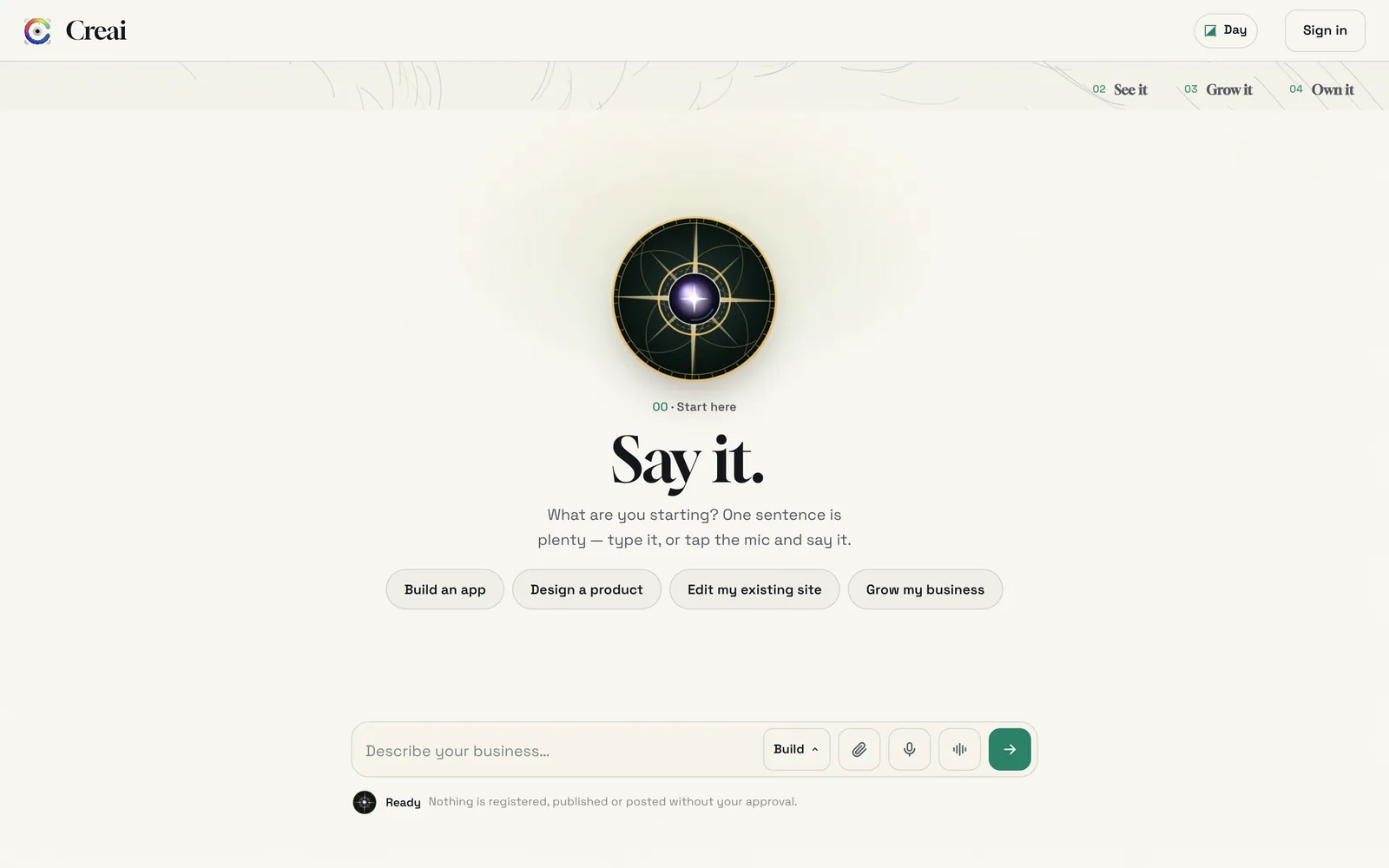
Go to app.creai.dev in any browser. You land on Say it: a message box, a mic and a few places to start, such as Build an app or Grow my business. You don’t need an account to start.
- 02
Say what you want to make
One sentence is enough, and more detail gets a better first version. For a business, say what you do, who it’s for, where you are, and anything a visitor needs to know, such as prices or opening hours. If something is missing, Creai picks a sensible stand-in and tells you what it assumed, so you can correct it.
- Type, or tap the mic and speak. Your words appear in the box, and nothing is sent until you send it.
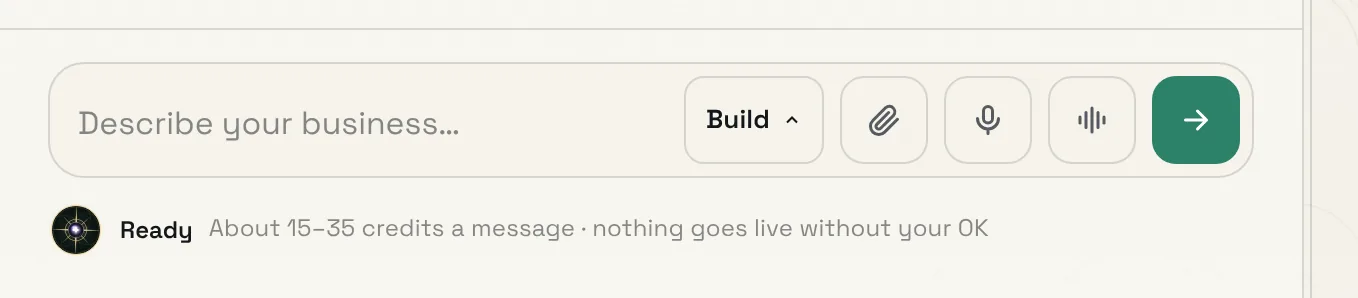
- The menu beside the box sets how Creai answers: Build makes changes, Plan talks it through first, and Chat only answers questions.
- 03
Check the plan, then build it
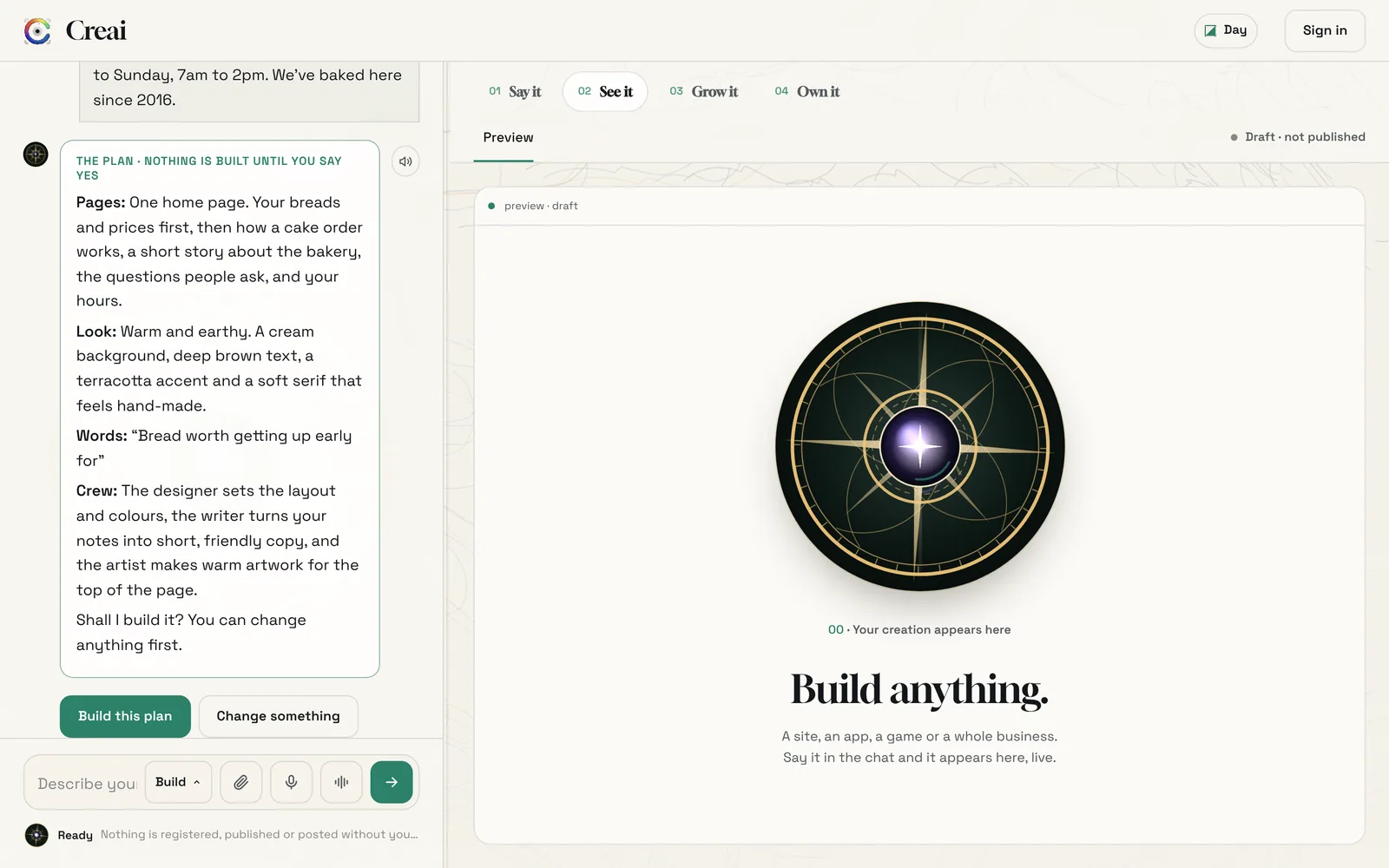
Your first message gets a plan, not a build: the pages, the look, the headline Creai would lead with and what each member of its crew will do. Nothing is built until you say yes. Press Build this plan, or press Change something and say what should be different.
- 04
Watch it appear beside the chat
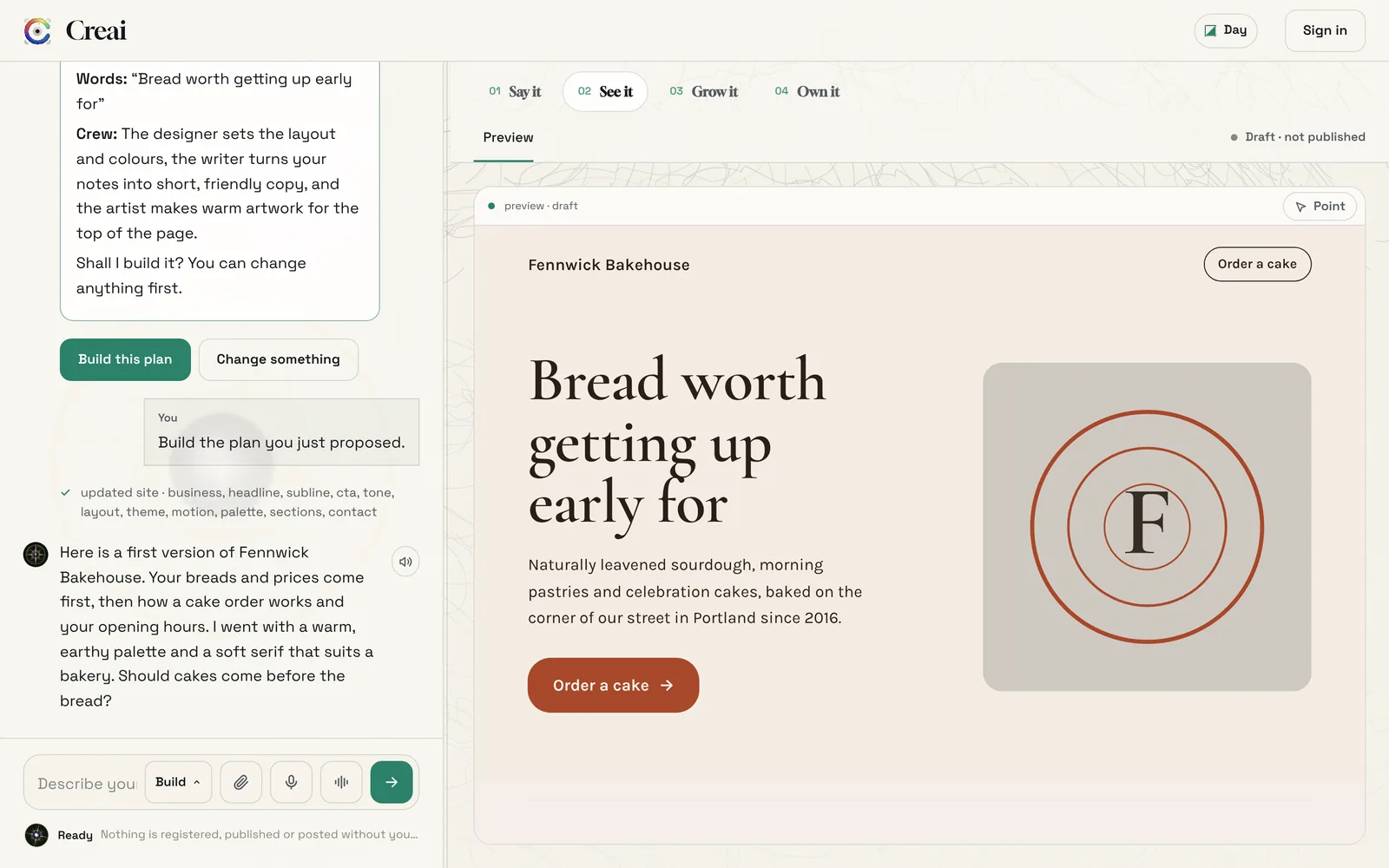
While Creai works, the preview shows its crew at work and what each one is doing. When it’s done, your page appears on the right and Creai says in the chat what it made and what it chose. Keep talking to change anything.
- Before you see a build, Creai checks it at phone and desktop sizes for overflowing text, tiny type, low contrast and missing image descriptions, and fixes what it finds.
- The chat lists every change it made, such as “updated site · headline, palette, sections”.
- 05
Find your way with the four steps
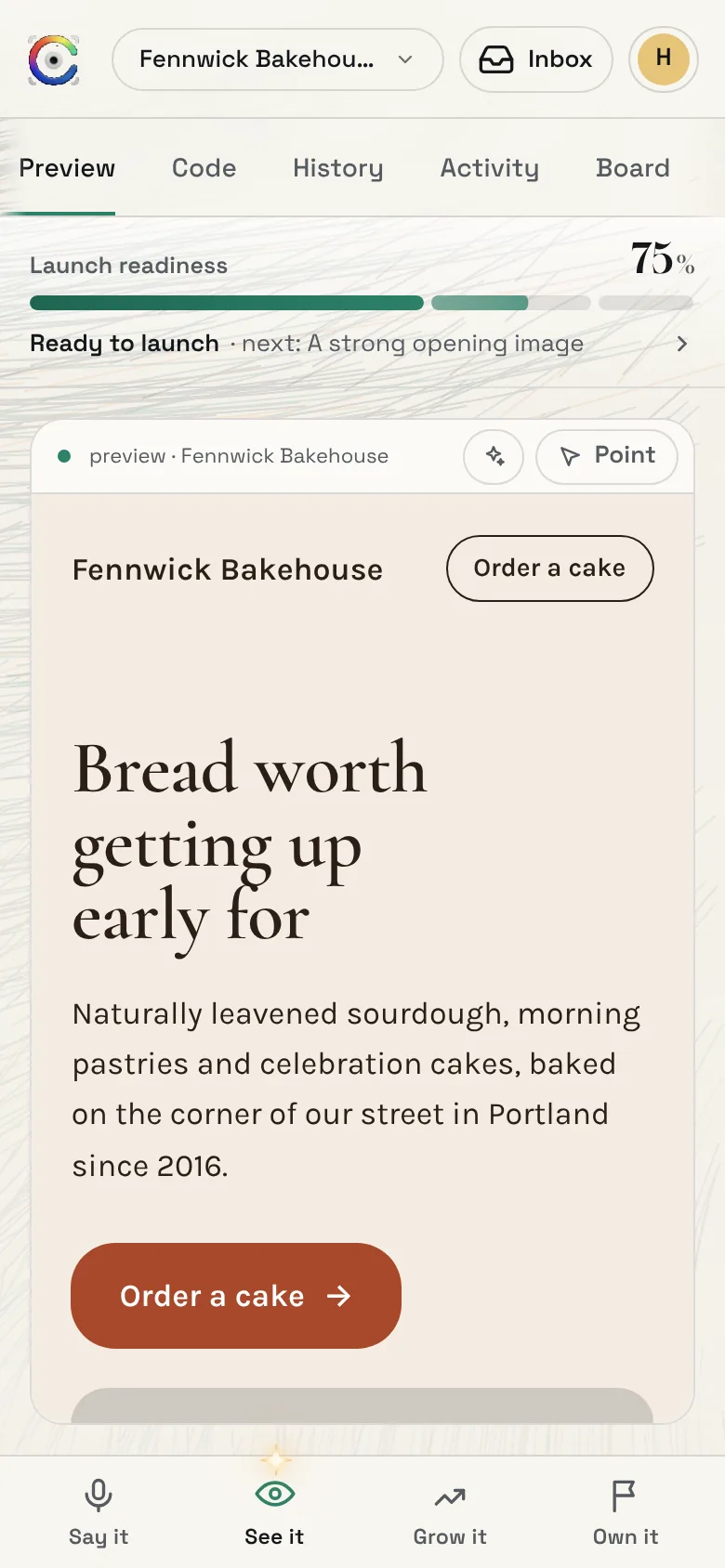
Say it is the conversation. See it is what you made: the preview and its history. Grow it is marketing: drafts to review, videos and routines. Own it is going live and running it: the launch checklist, your domain, payments and connections. On a phone the same four steps sit in the bar at the bottom of the screen.
- Some steps fill in once you sign in, because there is nothing to publish or connect before then.
- 06
Sign up when you want to keep it
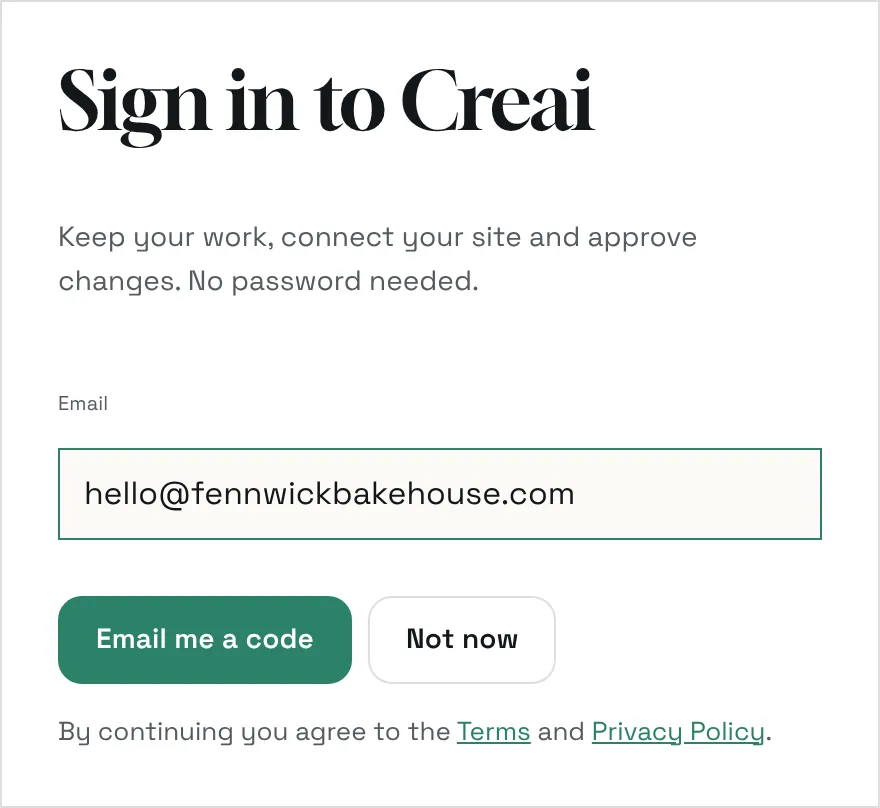
Without an account you can send a few messages and see a first version. Sign up to keep building, publish, buy a domain, attach photos or files, or connect an account. There is no password: you get a one-time code by email, or sign in with Google. What you built moves into your new workspace, and you start with 150 free credits.
- 07
Know what a message costs
Under the message box, Creai shows roughly how many credits the next message will take, before you send it. A question in Chat costs about one credit. Your balance, top-ups and plans are in your profile menu, under Credits.
- 100 credits are about $1.
- Your balance never goes below zero: if a job runs over, Creai absorbs the difference.
Good to know
- Nothing is registered, published, posted or bought without your approval. When something costs money or goes public, Creai gives you a button to press instead of doing it.
- Once you’re signed in, attach photos, a logo, a menu or a price list. Creai uses your own material ahead of anything it would generate.
- Every creation keeps its own chats. Start a fresh one from the chat menu, or reopen an old one where you left off.
What it doesn’t do yet
- Without an account, a draft gets five messages and can’t take attachments. Sign up to keep going; the draft comes with you.
- Apps, games and videos run on Creai’s best model, so they need credits or a paid plan.
Questions
Do I need to know how to code?
No. You describe what you want in plain words and Creai builds it. You change it the same way.
Can I try it before signing up?
Yes. Start on app.creai.dev with no account. Sign up when you want to keep building, publish or connect something.
What does Creai cost?
Building starts free, with 150 credits when you sign up. Each message shows its likely cost before you send it. Your own domain and monthly credits come with a paid plan; see Credits and plans.
Related guides
Updated 2026-10-31.