Docs · Build
Make a browser game on the Godot engine
Creai makes real games on Godot, the open-source game engine, exported for the web. You describe how the game plays; Creai works out what kind of game it is, writes the Godot project, checks it, builds it and plays it itself before telling you it works. The Godot source is yours to download.
- 01
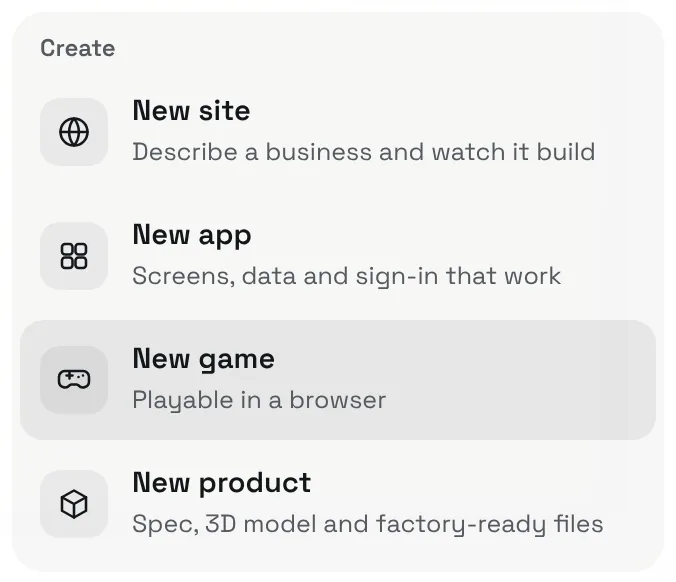
Start a new game
Press New above the chat and choose New game.
- 02
Describe how it plays
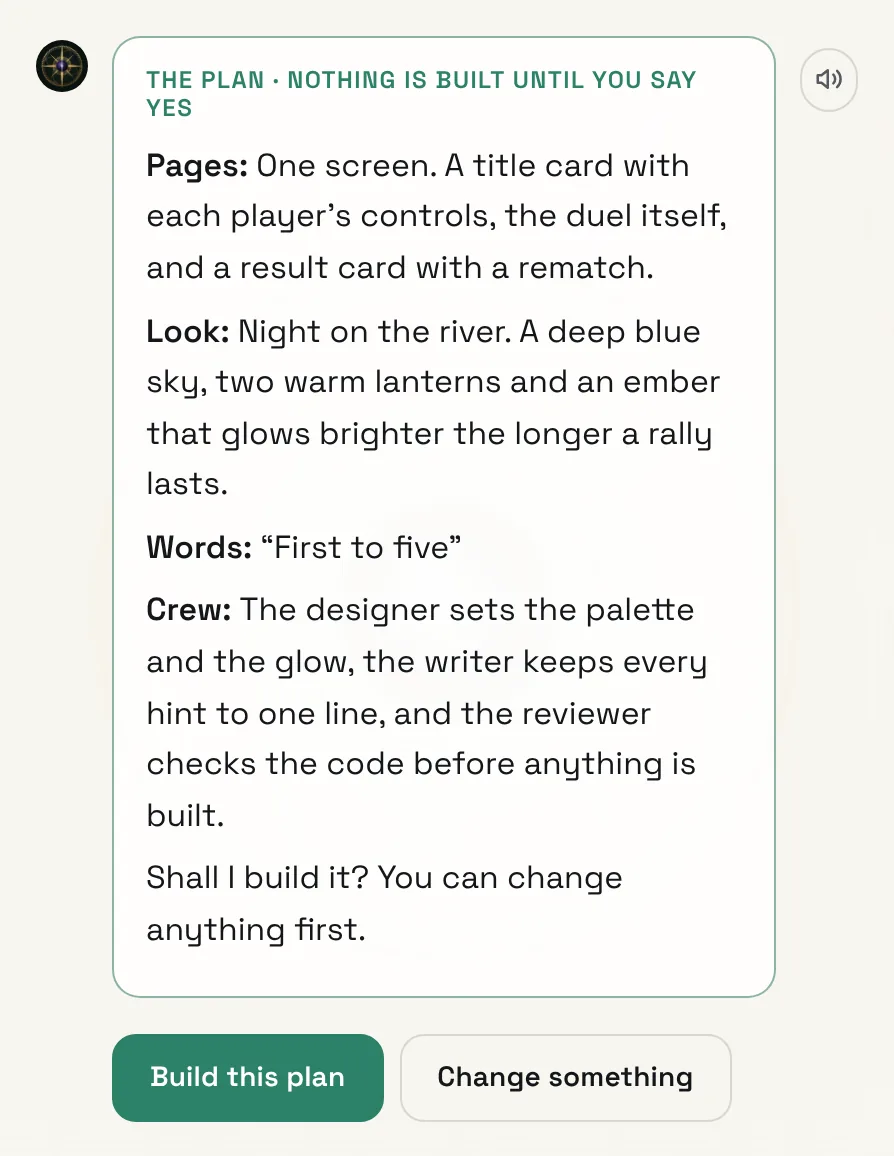
Say what the player does, how you win or lose, and whether it’s for one player or two on the same device. Creai answers with a plan for the screens, the look and the feel; press Build this plan, or Change something first.
- Nine kinds to start from: runner, arcade, puzzle, platformer, shooter, tower defence, idle, rhythm, and two players on one device.
- Two players share one device: a split keyboard, a split screen, or passing the phone.
- 03
Let Creai write and check it
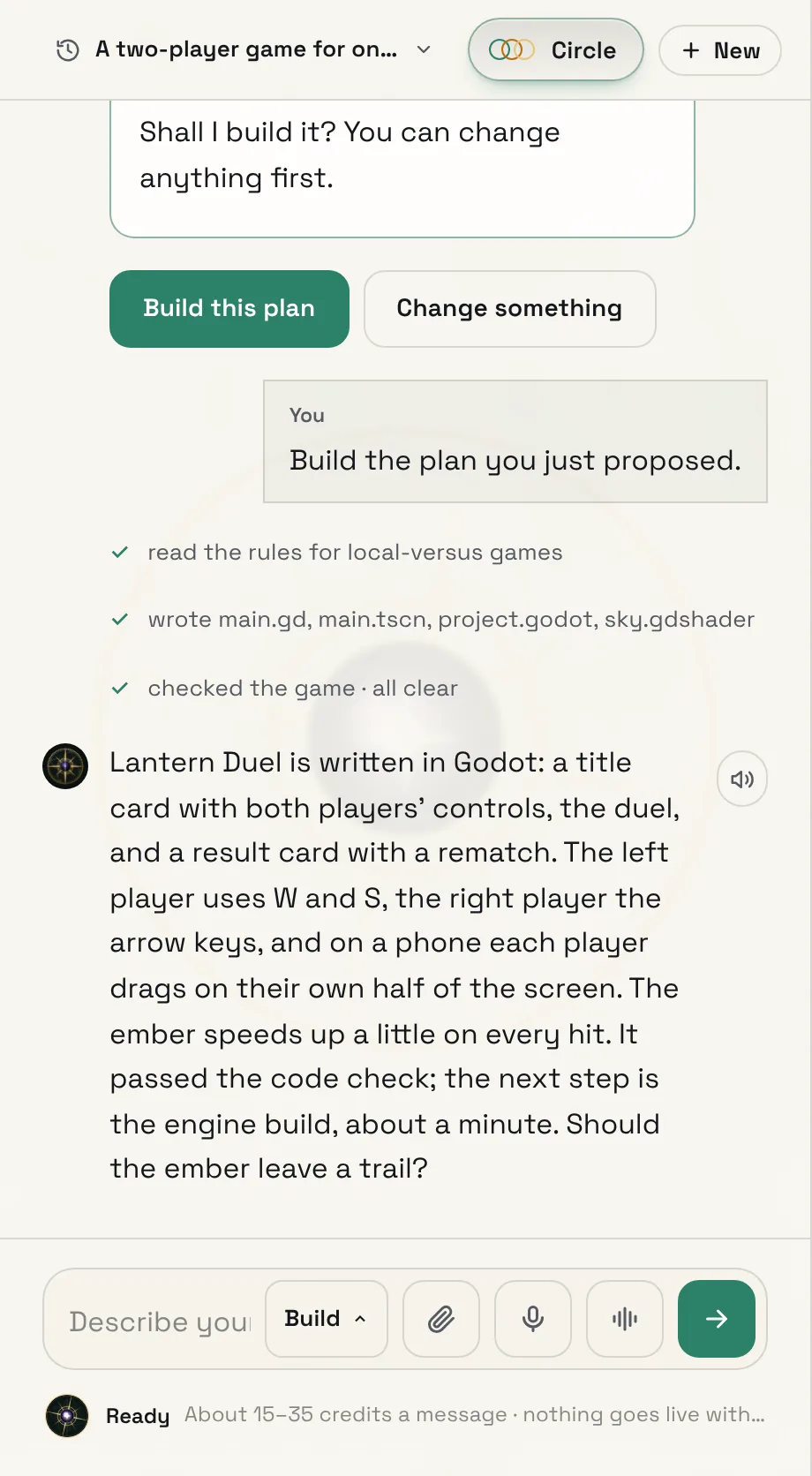
Creai reads what makes that kind of game work, writes the Godot project (scenes, scripts and shaders) and checks the code before it spends a build. It designs for phones as well as keyboards, with touch controls, and gives every game a way to start, a game over and a quick restart.
- 04
Build it, play it and share it
When the code passes, Creai builds the game with the real Godot engine for the web, which takes about a minute, and plays it to check it matches what you asked for. To put it online, publish it from Creai Code: run creai in a folder, choose the game and type /shine. It gets a free Creai address anyone can open in a browser.
- Builds cost 5 credits a minute, so Creai builds when there is something new to play, not after every edit.
- 05
Take the Godot project with you
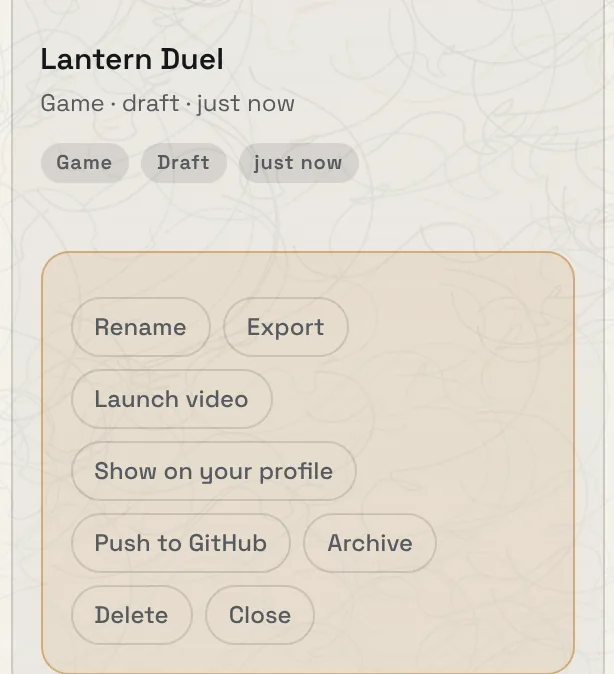
Open Projects from the project menu at the top, open the menu on the game’s card and choose Export. You get a zip with the whole Godot project, which opens in the Godot editor.
Good to know
- Describe the feel as well as the rules: “the ember speeds up on every hit” or “one thumb each” gives Creai something to build to.
- Artwork is drawn in code and written as SVG, so it stays sharp on any screen.
What it doesn’t do yet
- No online multiplayer. Games are built as files for the web with no game server, so two players share one device.
- No uploaded art or audio yet. Pictures are drawn in code or written as SVG, and sounds are generated.
- The preview in the web app doesn’t show games yet. You play a game at its published address, and publishing a game is done from Creai Code for now.
Questions
Can friends play together online?
Not online. Two players can play on the same device: a split keyboard, a split screen, or passing the phone.
Do I need to know Godot?
No. You describe the game and Creai writes it. If you do know Godot, export the project and open it in the editor.
What does it cost?
Messages show their likely cost before you send them, and each engine build costs 5 credits a minute. Games run on Creai’s best model, so they need credits or a paid plan.
Related guides
Updated 2026-10-31.