Docs · Build
Build a web app with accounts, data and payments
A Creai app is real code running in a sandbox: customer portals, booking tools, order trackers, internal tools. It comes with accounts for the people who use it, a database that keeps each person’s records to themselves, private file uploads and payments into your own Stripe account. You describe it, test it in the preview like a customer would, and publish it.
- 01
Start a new app and describe it
Press New above the chat and choose New app. Say what it does and who uses it: what people sign in for, what they save, what they upload and what they pay for. Creai answers with a plan; press Build this plan.
- Accounts: sign-up, sign-in and password reset by emailed code, for your app’s users only. They are not Creai accounts.
- Records with four kinds of access: anyone, any signed-in person, only the person who created it, or only you.
- Private uploads of photos and PDFs, up to 12 MB each, under the same rules.
- Payments into your own Stripe account, and an assistant inside the app whose instructions stay on the server.
- 02
Let Creai write and check it
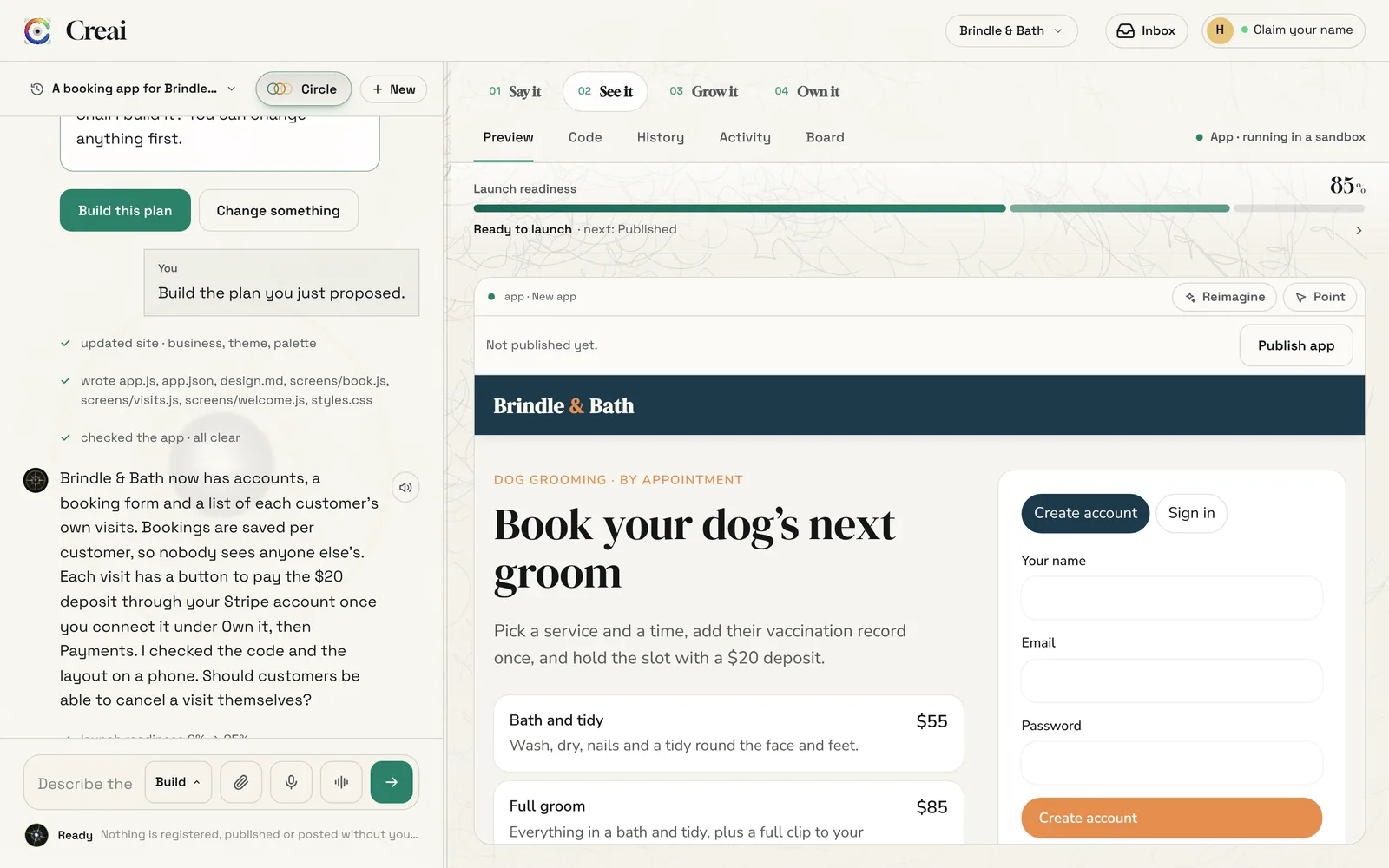
Creai writes the screens, the data rules and the styles as files, then checks the app for errors and on a phone before it replies. The chat lists every file it wrote and what its check found, and the app runs in the preview beside the chat.
- 03
Try it like a customer
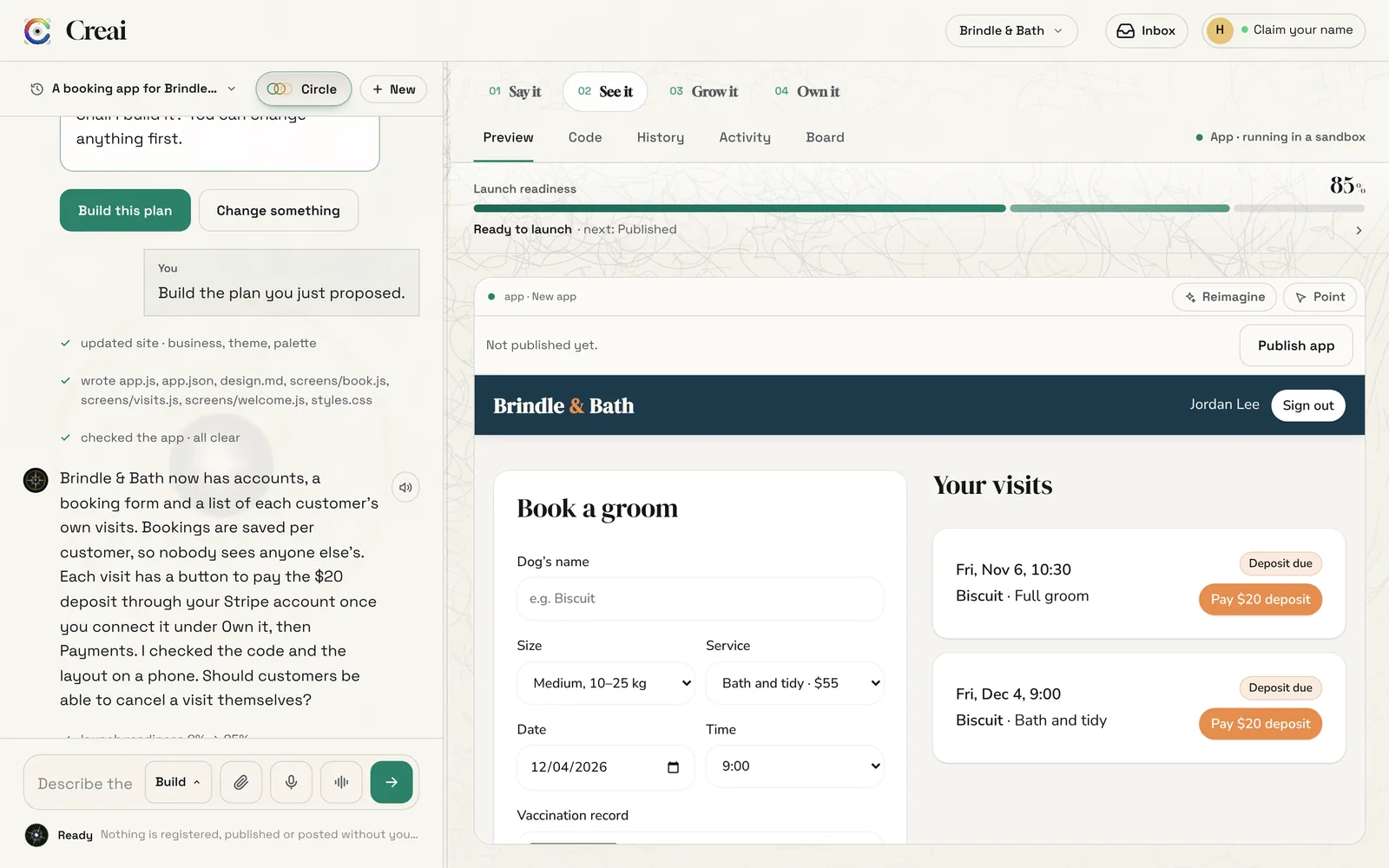
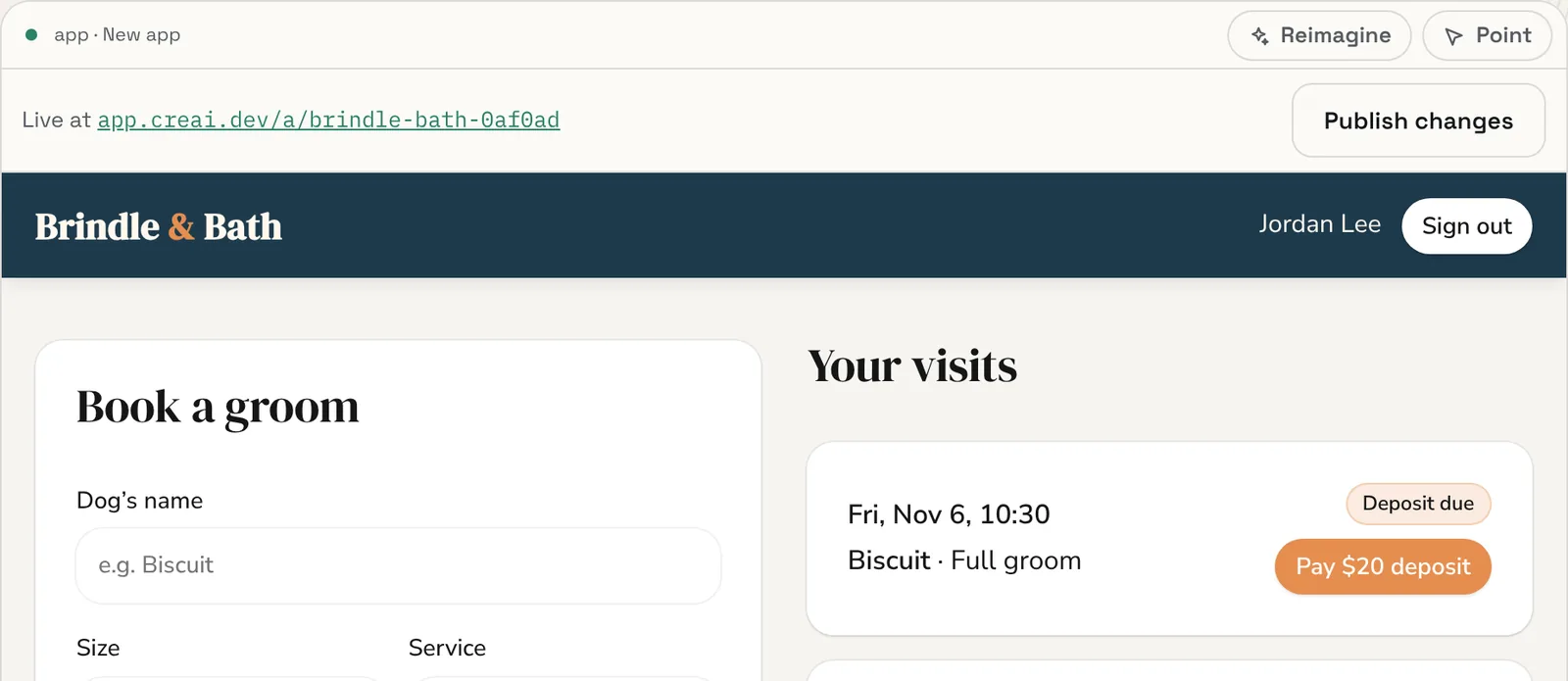
The preview is the working app. Create an account in it, fill in its forms and save records, the way your customers will. If something doesn’t behave, say so in the chat, or point at it, and Creai fixes it.
- If the app reports an error, the status above the preview changes and a Fix it button sends the error to Creai.
- 04
Check it on a phone
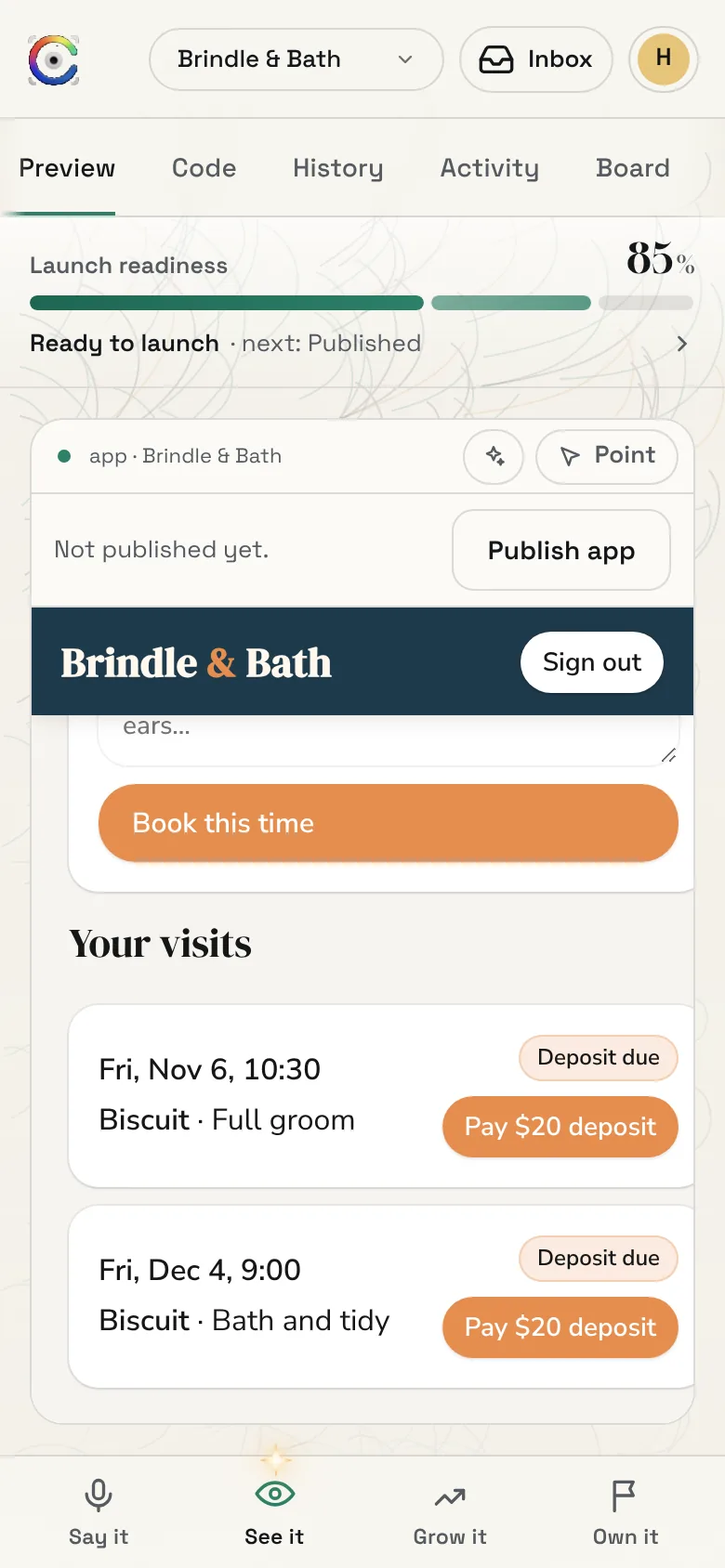
Open the same creation on your phone to try the app at phone size, the way most of your customers will use it. Creai also checks the layout on a phone every time it changes the app.
- 05
Connect Stripe to take payments
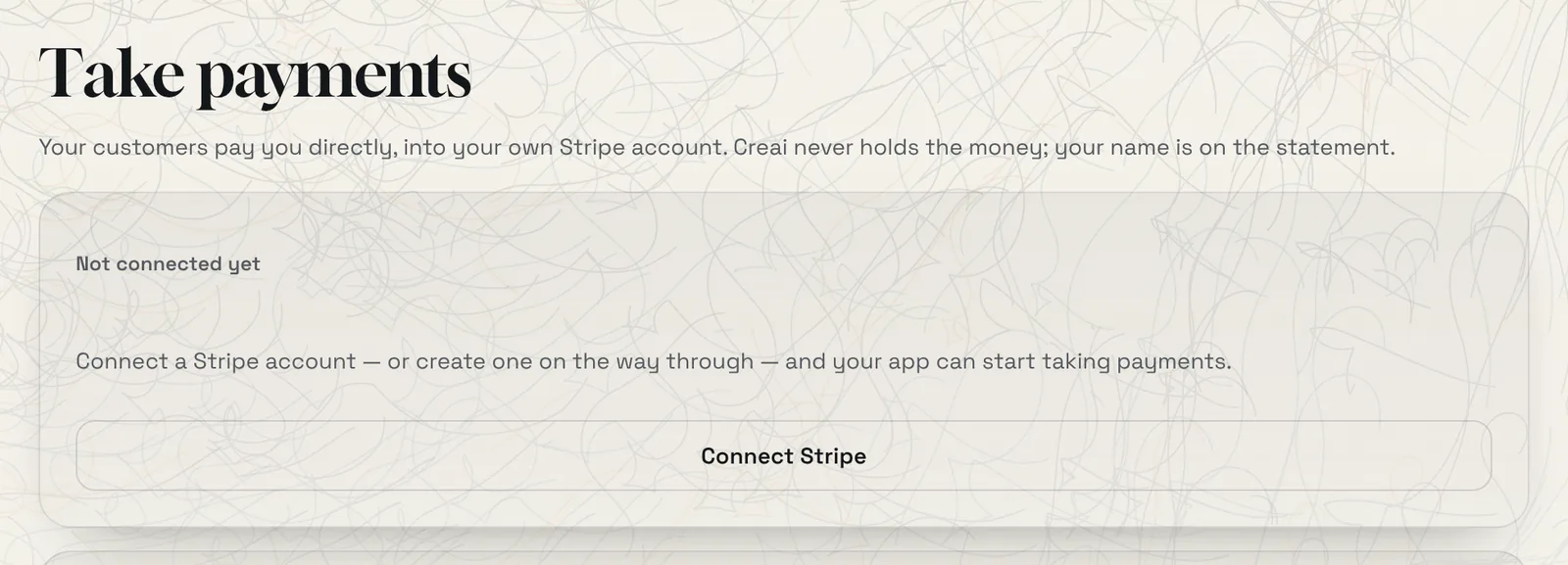
Open Own it, then Payments, and press Connect Stripe. You can create a Stripe account on the way through. Customers then pay you directly, into your own account, with your name on their statement. Until you connect, a payment button in your app says that payments aren’t set up yet.
- Creai takes 2% of each payment, and Stripe takes its own fee separately. Creai never holds the money.
- 06
Publish it
Press Publish app in the bar above the preview. Your app goes live on a free Creai address that you can share. Later changes stay in the preview until you press Publish changes.
- Creai won’t publish while the app has reported an error since its last change. Fix it first, then publish.
Good to know
- Say who can see what: “customers only see their own bookings, staff see all of them” is the kind of rule Creai turns into the app’s data rules.
- Developers can download the app’s source from Projects, or work on it in their own editor with Creai Code.
- Reimagine works on apps too: a new design, the same screens and data.
What it doesn’t do yet
- An app can’t call another company’s API yet.
- Creai builds web apps that run in the browser. It doesn’t submit apps to the App Store or Google Play.
- Building an app runs on Creai’s best model, so it needs credits or a paid plan.
Questions
Do my app’s users need a Creai account?
No. Accounts belong to your app alone. Your customers sign up inside your app.
Can one customer see another’s records?
Only if the app allows it. Records can be public, shared with signed-in people, private to the person who made them, or yours alone, and the server enforces it.
Where does the money go?
Into your own Stripe account. Creai takes 2% of each payment and never holds the money.
Related guides
Updated 2026-10-31.